


Smart Christmas Lights Outside: When Twinkly Is Worth It and When It Isn’t
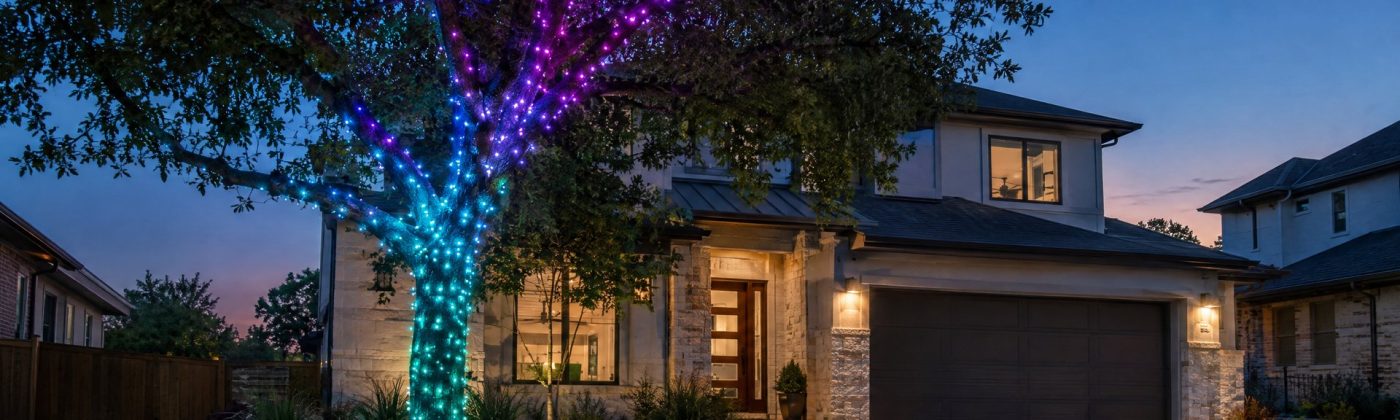
Smart Christmas lights are worth it outside on one or two features you’ll actually change: a front-yard tree that’s orange for Halloween, warm white for December and a slow color wash for New Year’s Eve. They are not worth it on a roofline you want steady warm white every night, where plain LED C9s on a timer cost a fraction as much and have nothing to configure.
That’s the whole answer for most people. The rest of this guide is for deciding which side of that line you’re on, and for setting a string up so it still works in mid-December. We use Twinkly as the example because it’s the brand people ask about and it publishes real specs, but the same questions apply to any app-controlled string.
Three questions that decide it
Answer these honestly before you price anything.
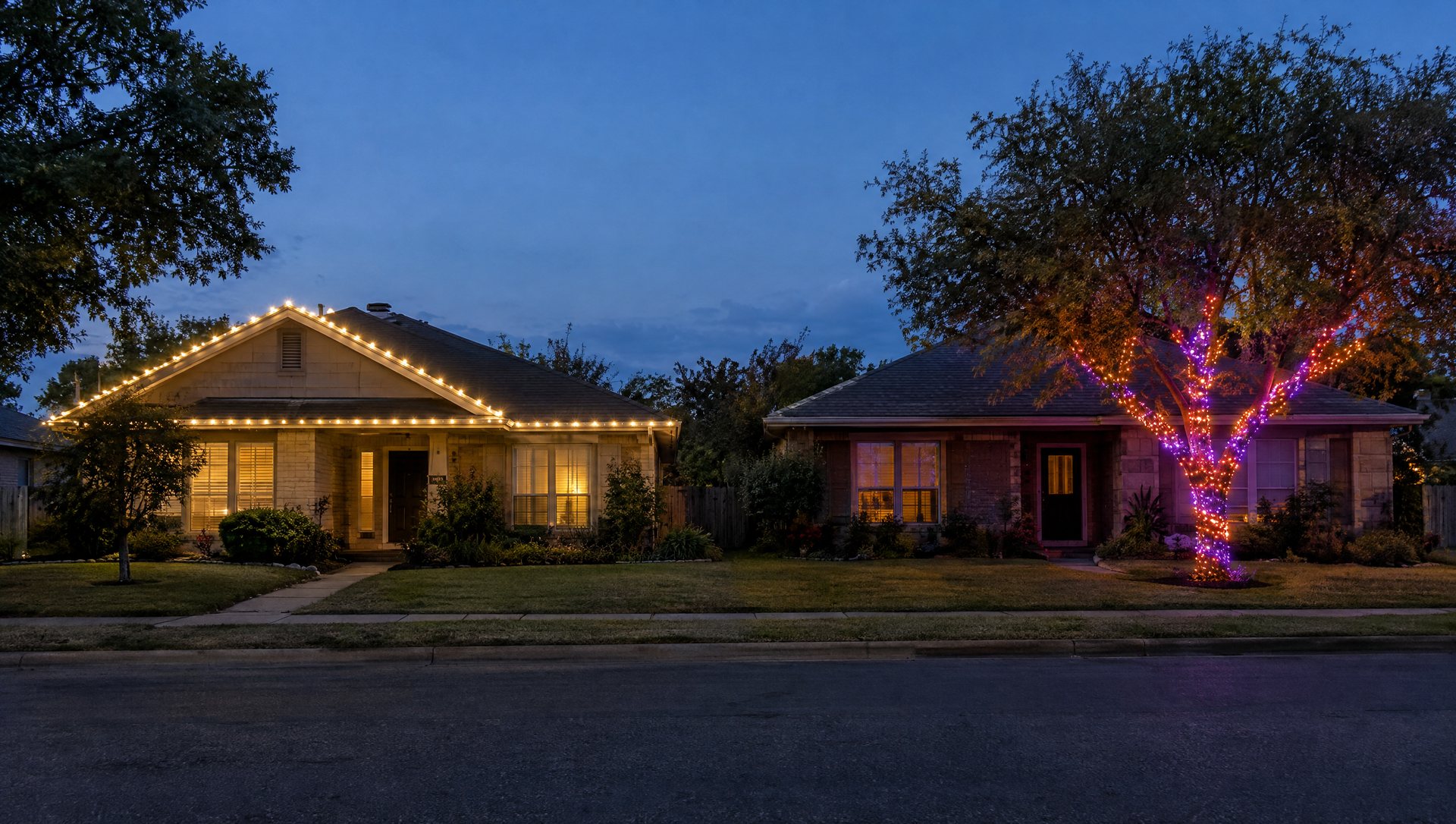
1. Will you change it after Thanksgiving? If the honest answer is “I’ll set it to warm white and leave it,” you’re paying for a feature you won’t use. Conventional LED lights on a timer give you warm white for much less.
2. Is it one feature or the whole house? Smart strings shine on a single object people look at: one tree, one porch, a window. Across a whole roofline they’re expensive, harder to power, and mostly end up on one static scene anyway.
3. Do you want color outside December? Austin homes get a lot of mileage out of color: orange and purple in October, burnt orange on a game weekend, red and green in December, red, white and blue for the Fourth. If that’s the plan, the question shifts from “smart string or not” to “seasonal string or permanent system,” which we cover near the end.
Two “yes” answers on questions 1 and 3, and “one feature” on 2? A smart string is a good buy. Anything else, light conventionally and spend the difference on coverage.
What a smart string really costs
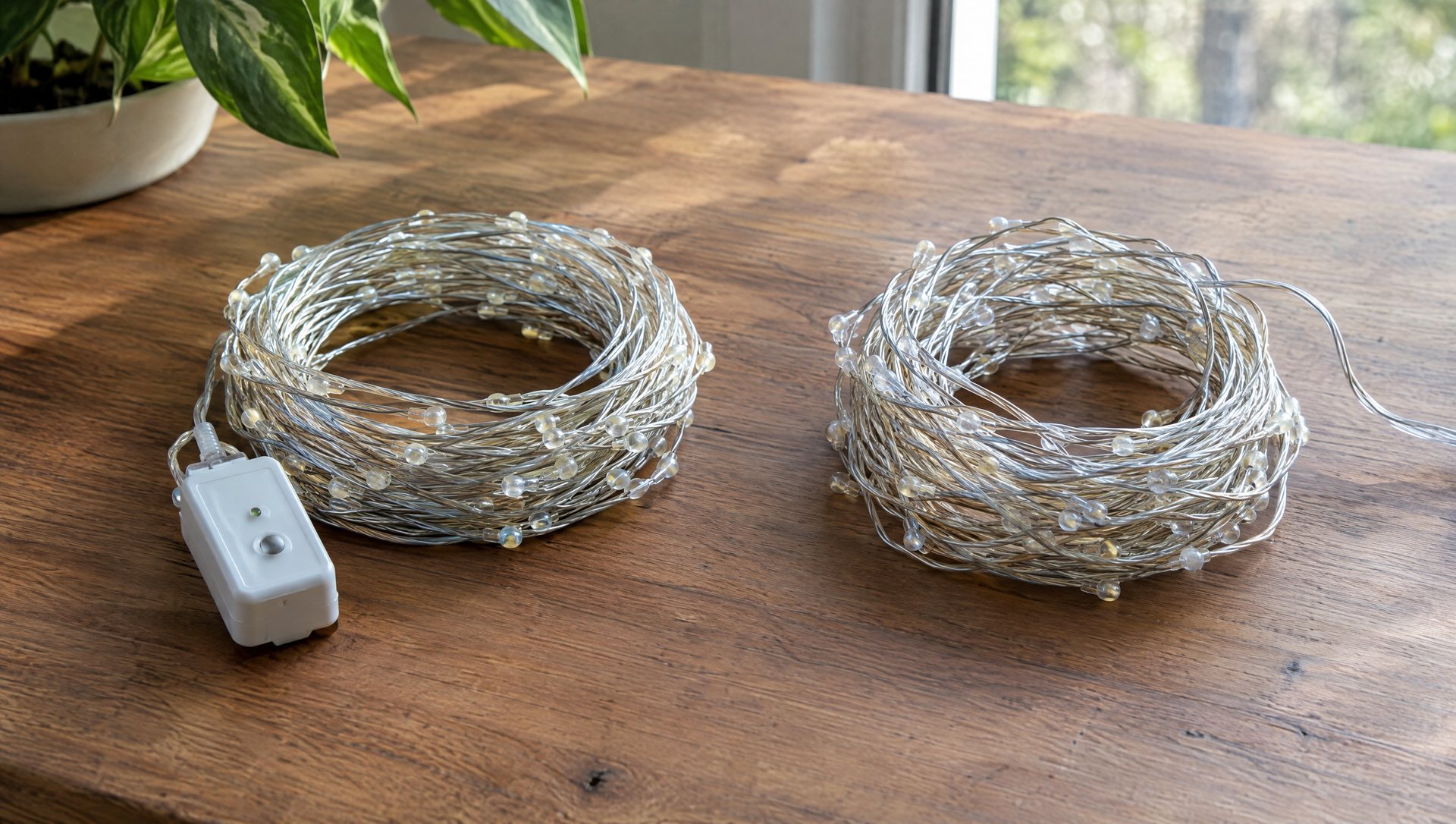
Twinkly’s Strings Multicolor + White are the flagship outdoor string. It comes in three lengths. Twinkly’s own store showed the set from $139.99 in October 2026, and retailers discount it often, so check the current price for the length you need:
| String | Lit length |
|---|---|
| 250 LEDs | 65.6 ft |
| 400 LEDs | 105 ft |
| 600 LEDs | 157.5 ft |
All three have LEDs every 3.2 inches, an 8.2-foot lead from the controller to the first LED, and a 36-watt power supply. Two specs on that product page change how you plan:
- Not extendable. You can’t plug one string into the next. Each string has its own controller and power supply, and each needs its own spot on an outlet or power strip.
- LEDs are not replaceable. A damaged section means a damaged string.
Worked example: one big live oak
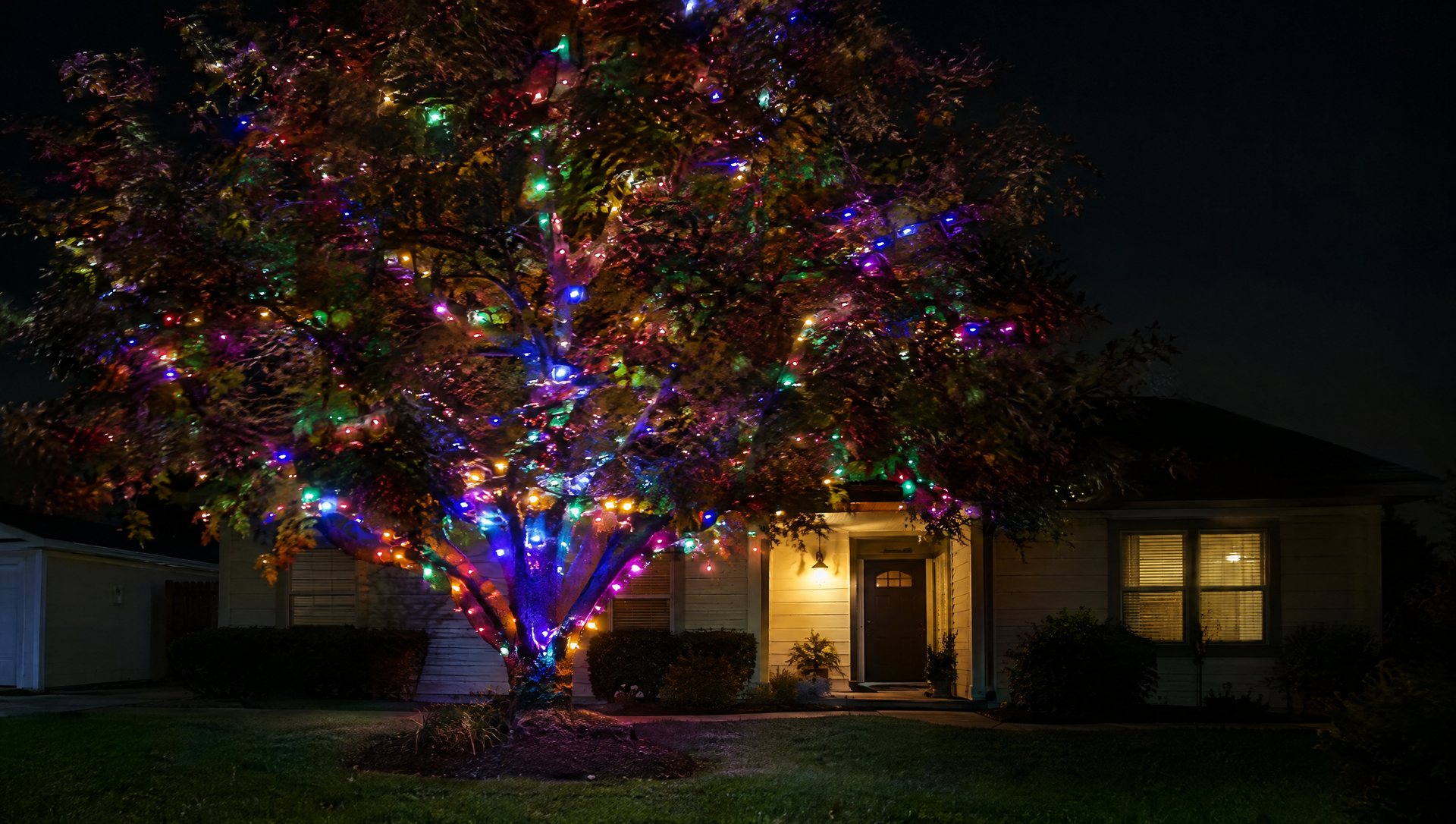
A front-yard oak with the trunk and main limbs wrapped might take 1,500 lights. In Twinkly’s 400-LED strings, that’s four strings: about $560 at list, four power supplies, four controllers to place and keep dry, and four slots on a power strip. Grouping them in the app makes them act as one display, but electrically they’re still four separate strings.
The same tree in conventional 5mm warm-white LED minis is a few connected sets on one plug and a timer. You’re paying several hundred dollars for color, animation and mapping. On a tree you’ll change every few weeks, that’s a fair trade. On a tree you’ll leave warm white, it isn’t.
Power is not the issue. Four 36-watt supplies add up to 144 watts at most. Running costs are negligible either way.
Outdoor ratings: what IP44 covers and what it doesn’t
Twinkly’s outdoor-use guide lists these as IP44 and suitable outside: Strings and HD Strings, Curtain, Icicles, Cluster, Festoon, Light Tree, Dots (except the 60-LED USB version), C9 bulb strings, Permanent Lights, Reindeer, Net Lights and Sphere.
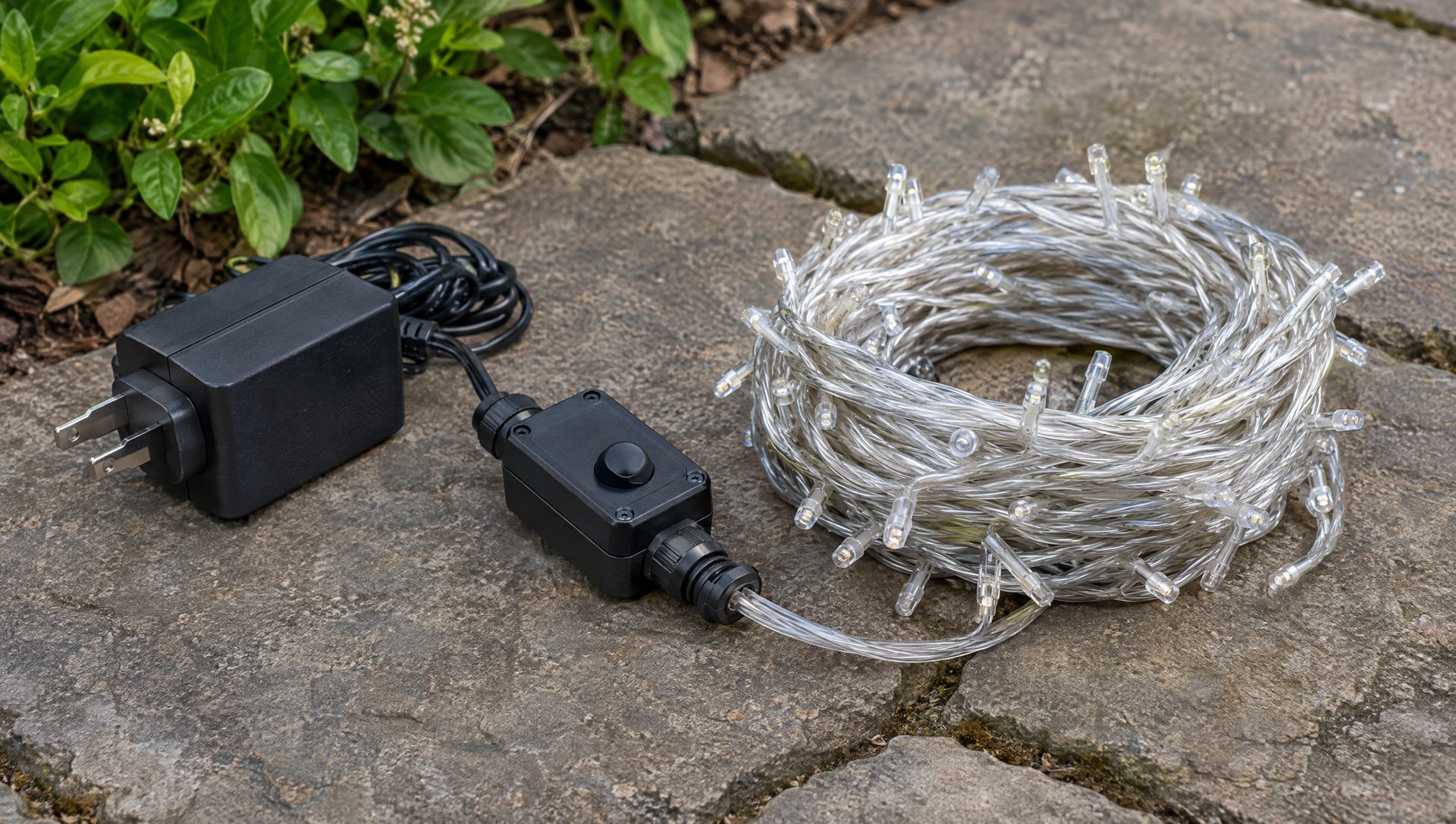
These are IP20 and indoor-only: Prelit and Home products, the Tree Topper, the 60-LED Dots, USB-C Strings, Twinkly Music and Twinkly Matrix. The first-generation controller is also IP20, which catches people reusing older Twinkly lights outside. Check the generation before an old string goes on the tree.
IP44 means protection against splashing water from any direction. It handles rain. It does not handle a controller lying in a flower bed that floods, a sprinkler head aimed at the power supply, or a connection sitting in a puddle. Our IP ratings explainer goes through what each digit means.
What Austin does to a smart string
Twinkly rates Generation II devices for 5°F to 104°F (−15°C to 40°C); Generation I is 32°F to 104°F. Our winters rarely test the low end. The top end is the one that matters here.
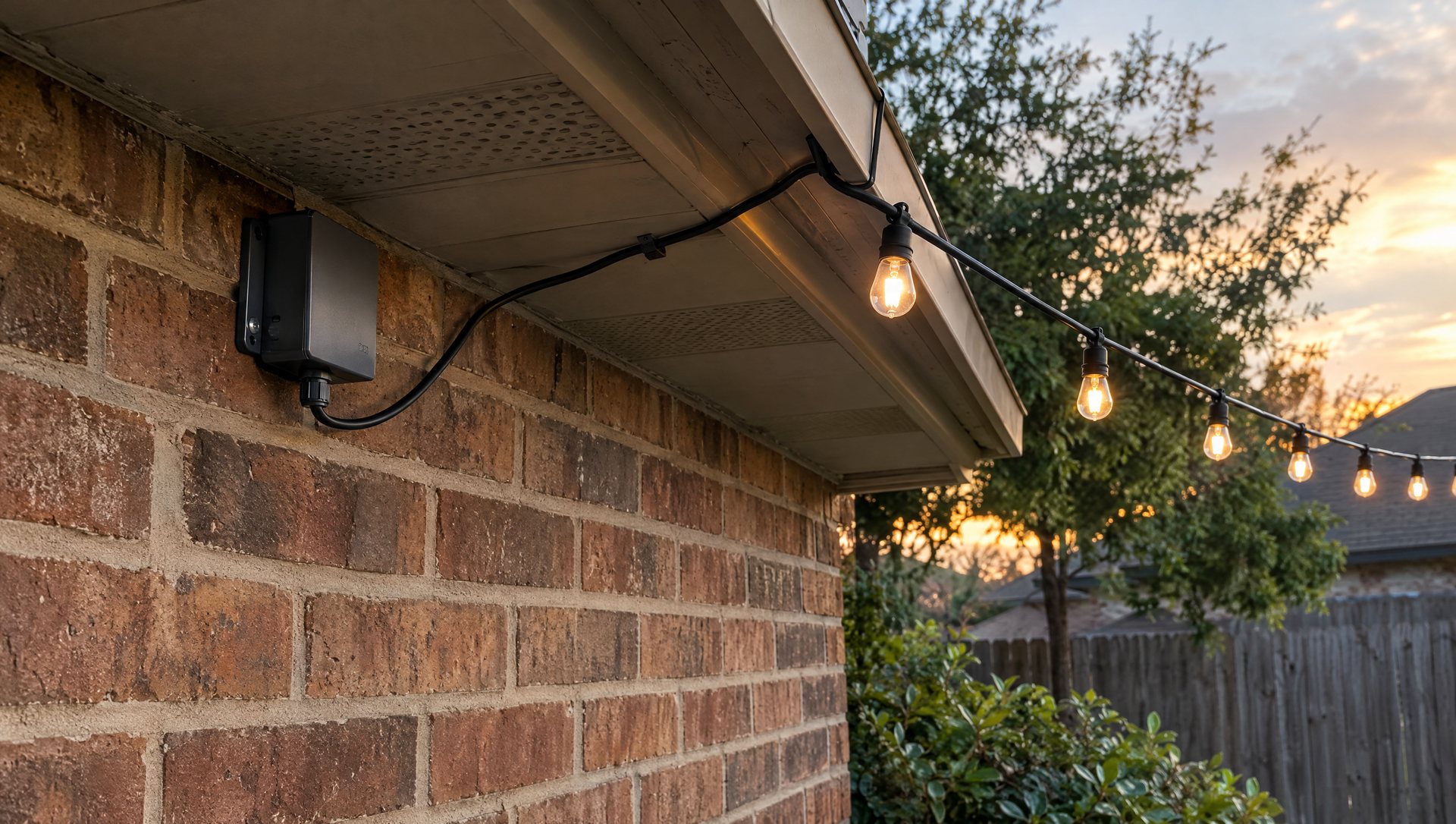
Austin can still see 90-degree afternoons in October and warm spells in November, and that’s when most people install. A controller on a south- or west-facing brick wall in full afternoon sun runs well above air temperature. So does a black power supply sitting on a limestone step.
Place the hardware like this:
- Shade first. Under an eave, on the north side of the trunk, or inside a low shrub.
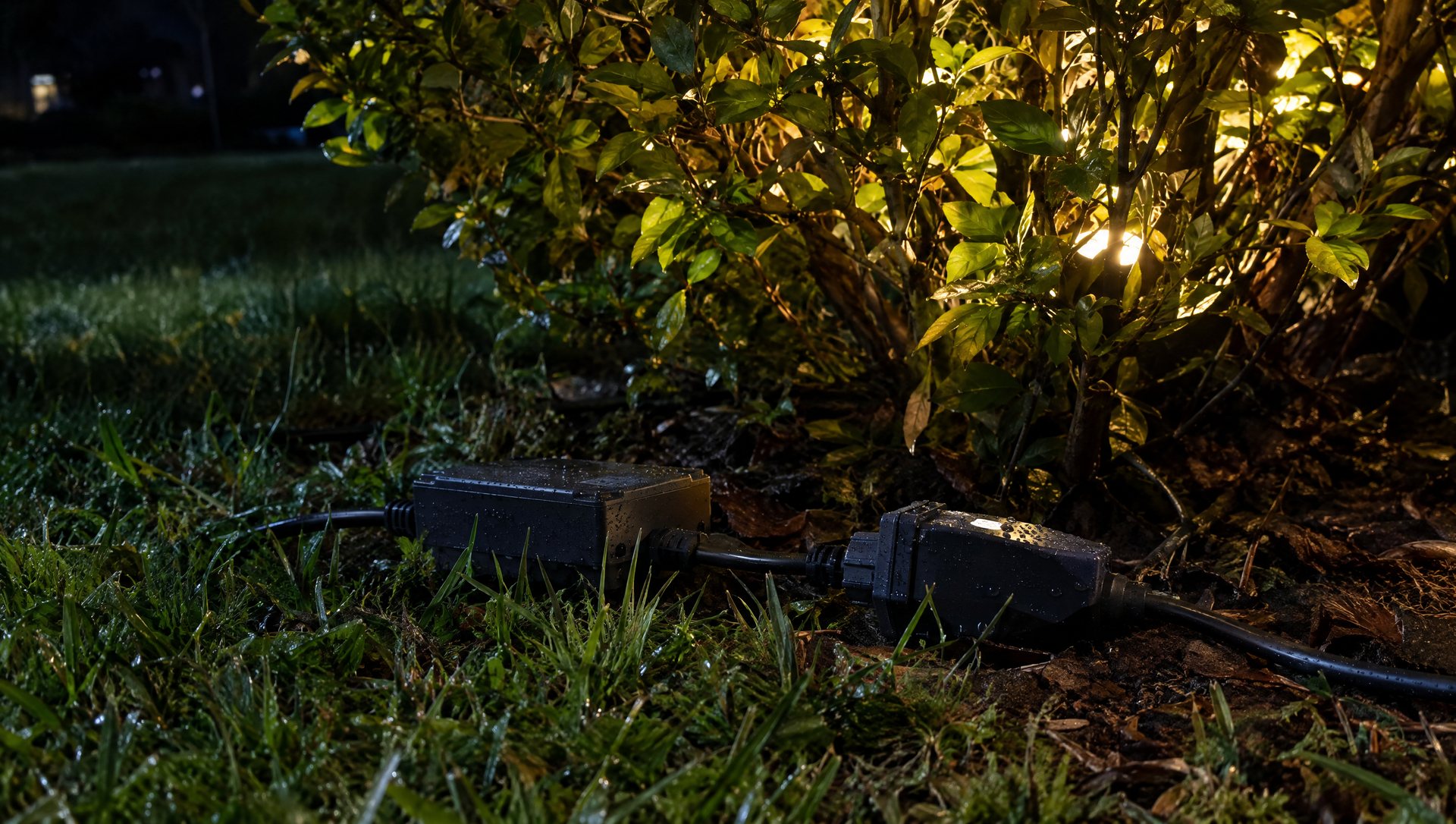
- Off the ground. Zip-tie the controller to the trunk or a stake at knee height, cable pointing down so water runs off instead of into the connector.
- Away from sprinkler heads. Many Austin beds still water in December. Walk the yard while the system runs before you choose a spot.
- Within reach of the lead. That 8.2-foot lead from controller to first LED decides where the box can go. Plan the wrap’s start point and the controller location together.
Setting one up so it survives the season
Most smart-light problems outside aren’t the LEDs. They’re Wi-Fi, power and people. A setup order that avoids most of them:
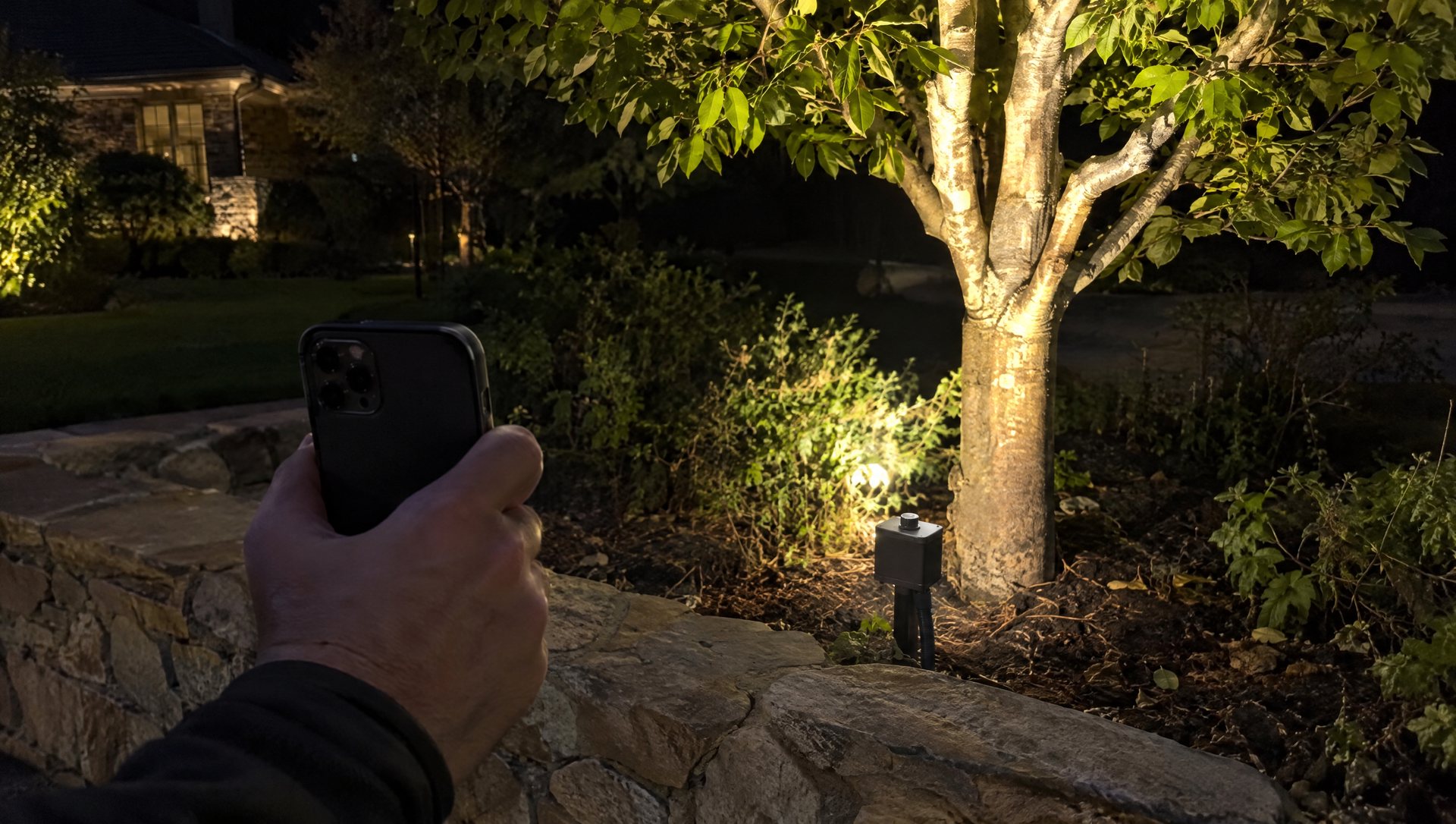
- Check Wi-Fi where the controller will sit. Twinkly requires a 2.4 GHz network. A front-yard tree behind a brick or stone façade may be at the edge of your router’s range. Stand at the exact spot with your phone on the 2.4 GHz band and load a page. Weak there means weak all season.
- Set it up on the porch first. Connect the string to the app and update it before it goes up the tree. Troubleshooting from a ladder is miserable.
- Wrap the tree evenly. Same spacing as any tree wrap. The app can’t fix a bad wrap.
- Map it (next section).
- Save a schedule and a default scene. Then cut the power at the outlet and turn it back on, and see what the string does. You want to know now whether it comes back on its schedule after an outage or tripped GFCI, not on a cold Tuesday in December.
- Share the account. Write down which email the app is registered to and where the password lives. If only one person in the house can change the lights, the display stops being adjustable when that person is traveling.
Mapping: the feature you’re paying for
Mapping uses your phone camera to locate every LED in space. After that, an effect can sweep up the tree, fall like snow, or ripple outward from the trunk, instead of just chasing along the wire. It’s the single thing that makes a mapped string look different from a cheap color-changing set.
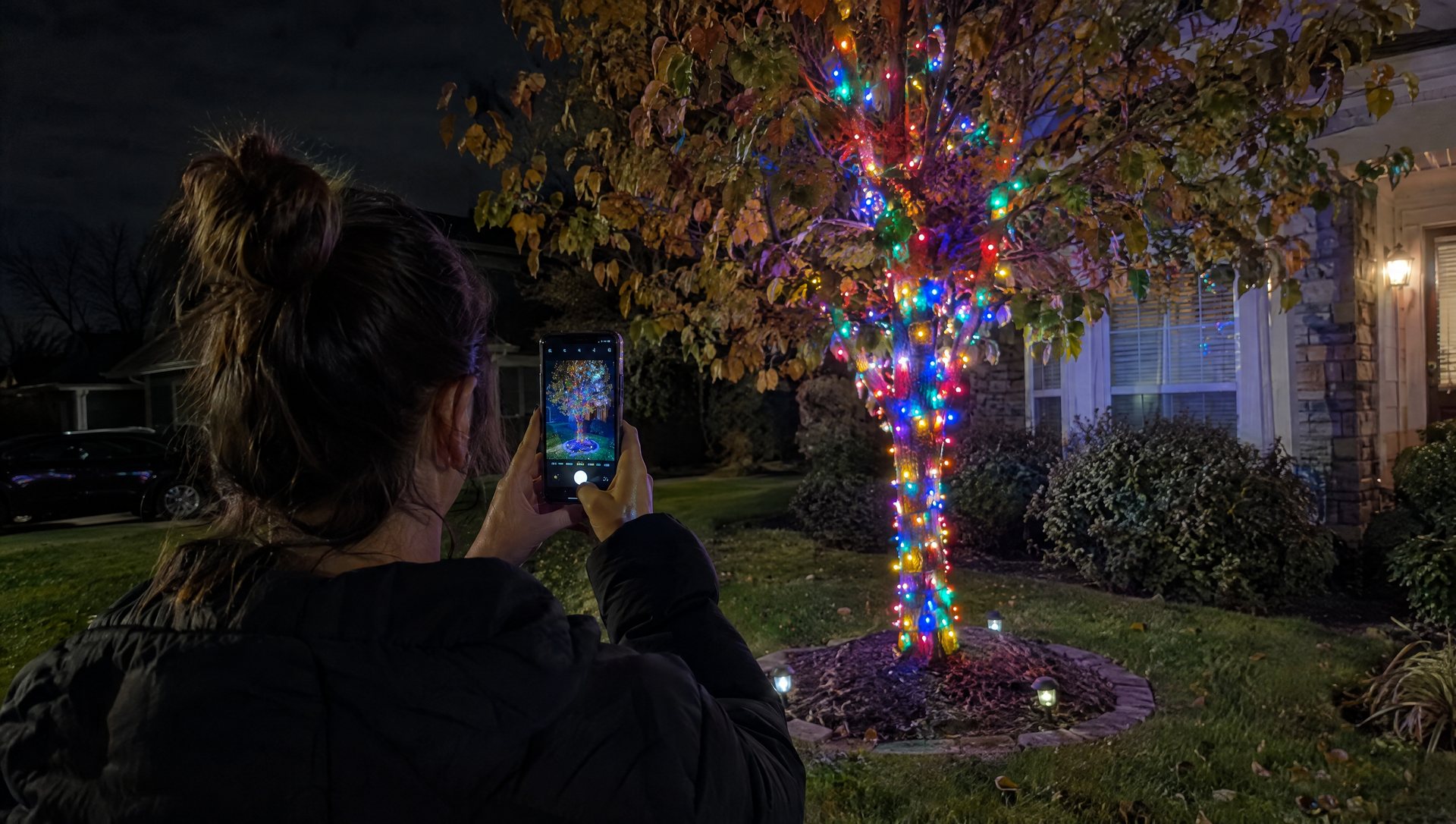
What mapping can’t do:
- Fill a gap. A dark patch in the wrap stays dark.
- See through leaves. LEDs hidden behind dense live oak foliage don’t contribute much to the picture from the street.
- Survive a rewrap. Take the lights down in January and wrap differently next year, and you’re remapping. Photograph your wrap, and note which limbs each string covered, so next November’s remap is quick.
Map from where people will actually see the tree: the street or the sidewalk, not the porch.
White is the scene you’ll actually use
Here’s the part most buyers miss. Plain RGB strings make “white” by mixing red, green and blue LEDs, and it usually looks slightly blue or pink next to a real warm-white roofline. Twinkly’s Multicolor + White strings add a dedicated white LED, adjustable from warm to cool.
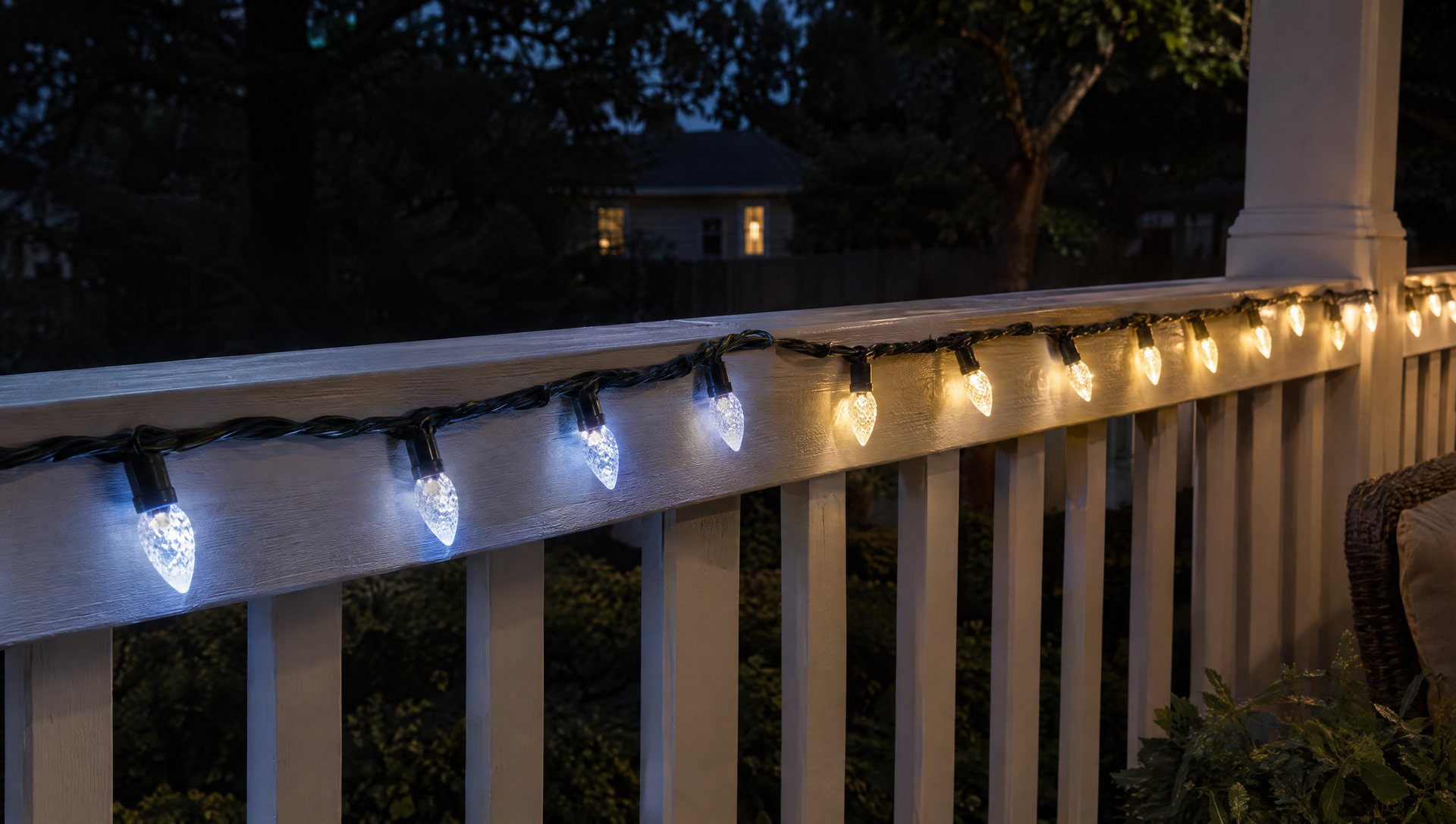
Most people run white most nights in December. If that’s you, a dedicated white channel isn’t a luxury; it’s the difference between a tree that matches the house and one that looks off. Before you install the rest of the display, turn the tree to warm white and look at it beside your roofline from the street. Adjust the white point in the app until they match.
If you’re still deciding between colored and white for the whole house, our colored vs white lights guide covers that choice.
No internet, power cuts and the one-person app
Twinkly says you can cycle preset effects with the button on the controller, control the lights over a direct phone-to-device connection, or run them on a home network with no internet. Internet is needed only to download new effects. So an internet outage doesn’t leave you dark.
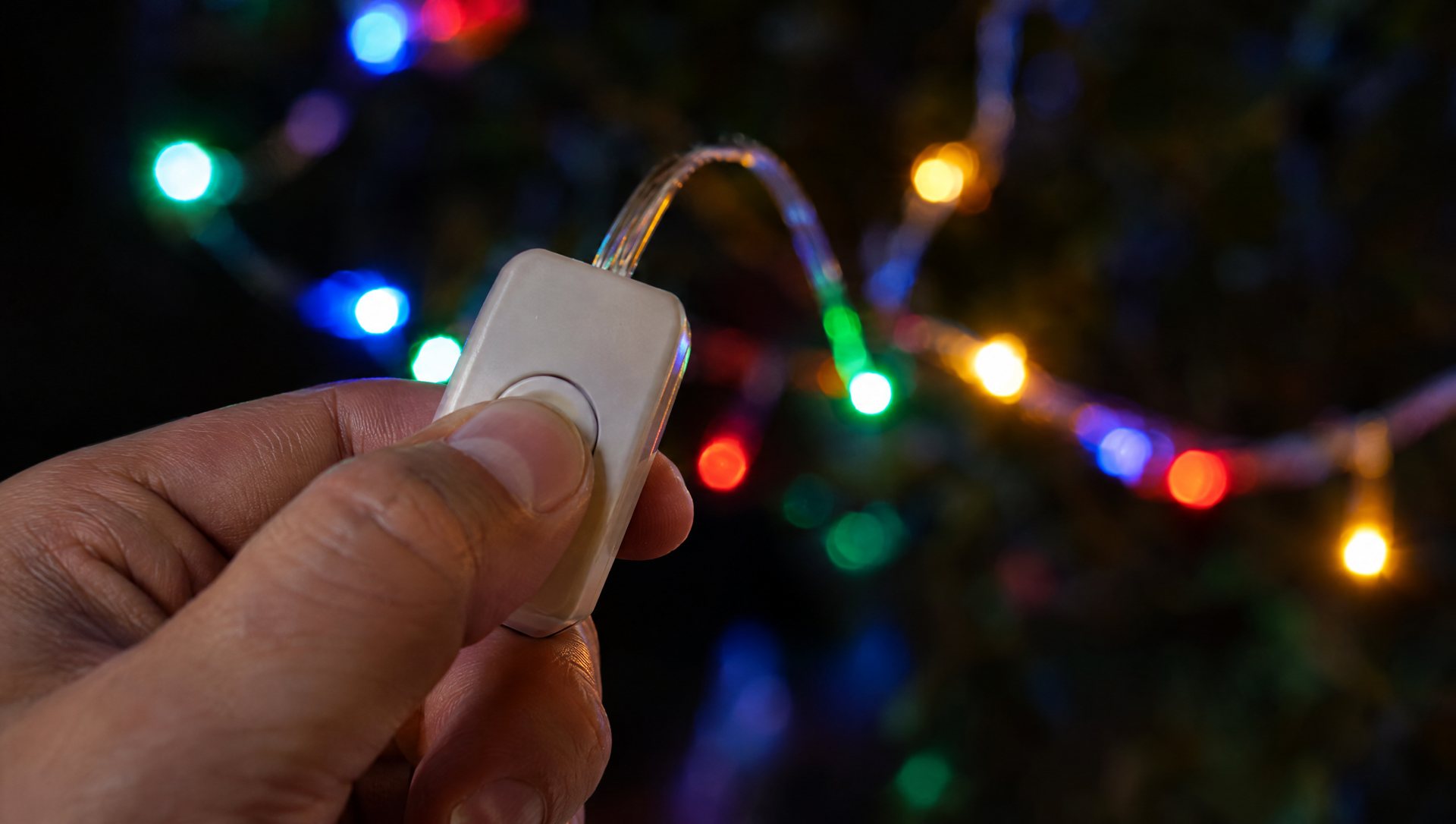
Power outages are different. Test what happens when power returns (step 5 above) and you’ll know whether the lights resume their schedule or wait for the app. For voice control, Twinkly lists integrations with Google Home and Amazon Alexa, which is handy if more than one person wants to turn the tree on.
Sound-reactive is not a light show
Music sync in a smart app is sound-reactive: the lights respond to whatever a microphone hears. A choreographed show is different: specific changes timed to specific moments in a specific song, sequenced in advance. One is a party trick; the other is a project with dedicated controllers and sequencing software.
Twinkly Music, the sound-reactive accessory, is rated indoor-only, so it stays inside. If you’re thinking about a real synchronized show, read what it takes to sync lights to music first.
Smart string, permanent track or plain LEDs?
Three tools, three jobs:
- Plain LED C9s and minis on a timer: a steady warm-white roofline and trees, every night, for the least money. This is what most of the house should be.
- A seasonal smart string: one feature you’ll change by season or animate. Goes up and comes down each year.
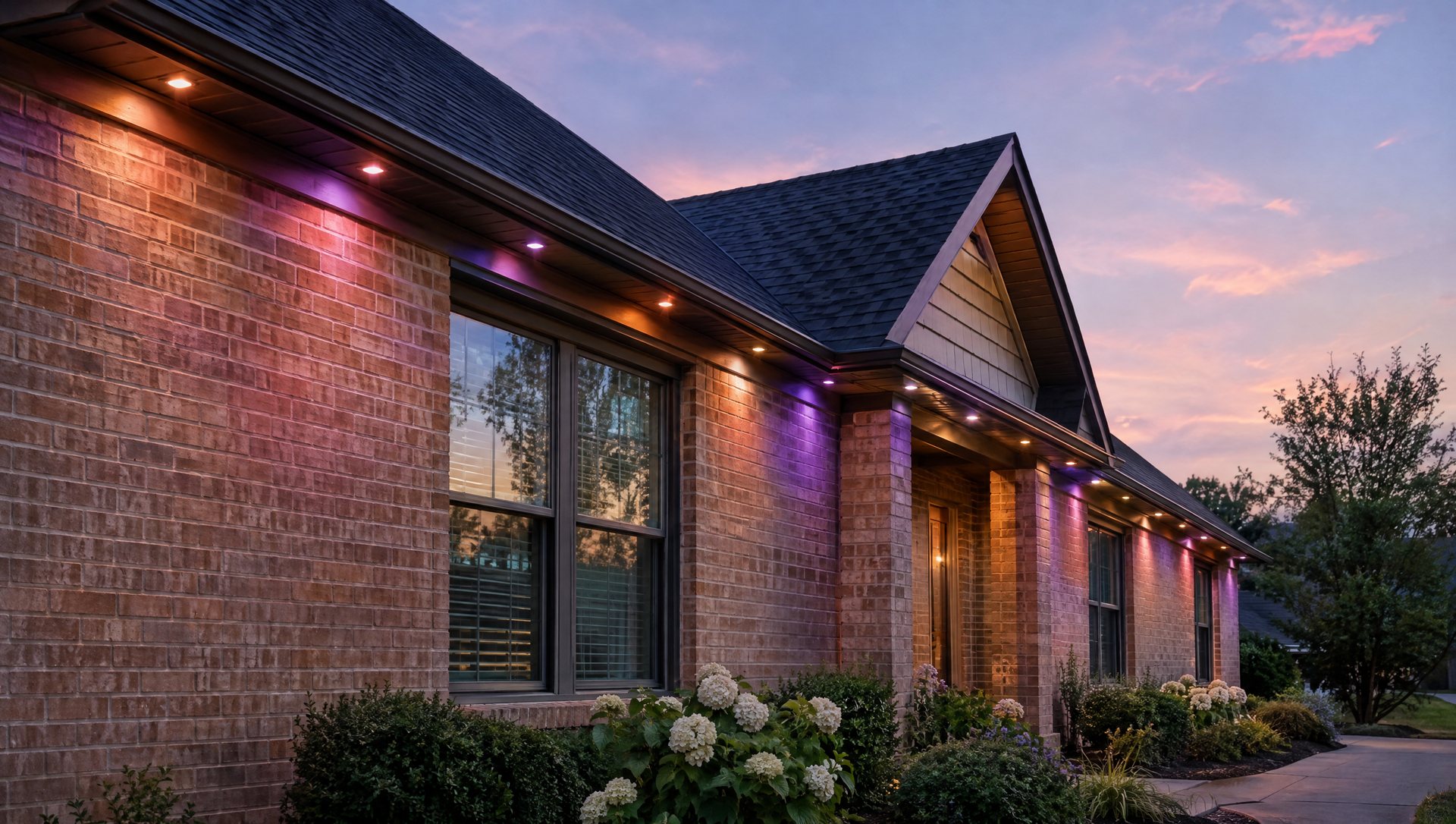
- A permanent track system: year-round color on the roofline for holidays, game days and the Fourth. A seasonal smart string is the wrong tool for that; it isn’t designed to stay up through a Texas summer. Our permanent-light cost guide has the numbers, and our Govee outdoor string lights review covers another app-controlled option.
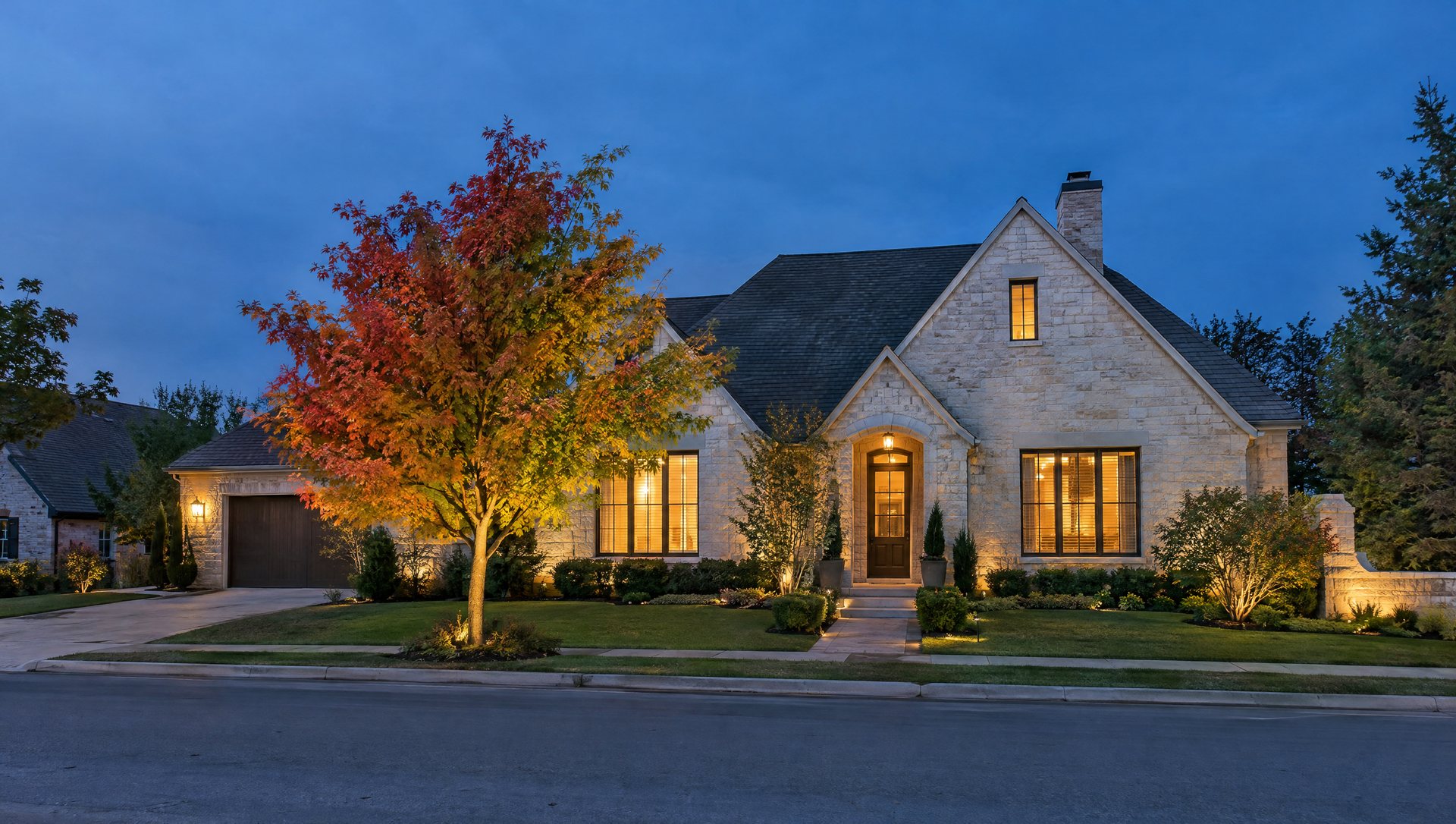
The combination we like on most houses: steady warm-white roofline, one smart feature in the yard. The house looks finished every night, and the tree is where you play.
The one-week test
Before you buy smart lights for the whole yard, buy one string for one feature. Set three scenes: a steady everyday look, a slow seasonal effect, and one party effect. Live with it for a week.
If you leave it on the steady scene every night, you have your answer: keep the smart string where it is and light everything else conventionally. If you’re mapping new effects every weekend, you’ve found a hobby, and expanding makes sense.
Before you add strings, check the limits: Gen II controllers handle up to 750 LEDs each, and app groups up to 6,000 LEDs, according to Twinkly’s generation comparison. Remember that grouping is software. Each string still needs its own power.
What we’d skip
- Smart lights on every feature before testing one.
- Plain RGB (no white LED) for a display that’s mostly warm white.
- Indoor-rated accessories placed outside because the string next to them is outdoor-rated.
- Controllers and power supplies left on the ground, in mulch, or in afternoon sun.
- A smart string on the roofline when what you really want is year-round color.
Use GFCI-protected outdoor outlets, and leave new outlets and circuits to a licensed electrician.
Already own a smart set and want it on the tree properly? Text a photo of the tree and the model you have to (737) 777-9099 or use our contact page, and we’ll tell you whether we can install it alongside an LED roofline from our Austin installation service.
Frequently asked questions
Are Twinkly lights waterproof?
Outdoor models are IP44: protected against rain and splashing from any direction, not against submersion. Keep the controller and power supply off the ground and out of sprinkler spray.
Can Twinkly lights stay up all year?
The seasonal strings aren’t designed for it. For year-round roofline color, compare a permanent track system made to stay up.
Sources
- Twinkly: Strings Multicolor + White
- Twinkly: outdoor-use guidance
- Twinkly: Wi-Fi connection
- Twinkly: mapping instructions
- Twinkly: using lights without internet
- Twinkly: Generation I vs Generation II
About the author. Rick Safeman owns Sapien Lighting & Installation in Austin, Texas.