


- 1Your home
- 2Your roofline
- 3Add extras
- 4Your price
See your home lit up, and your price, in 2 minutes.
Enter your address. We pull up your house, measure the roofline from Google’s 3-D roof data, and show you the lights on it. Add trees, bushes and stake lights, then drag them into place. No street photo? Upload your own.
- 1. Your address
- 2. Check the roofline
- 3. Add trees and extras
- 4. Price, then reserve a date
Start with your address
We use it to find and measure your house. Your details go only to Sapien Lighting.
That can’t be quoted online right now
We’ve sent your request to Rick. To talk sooner, call, text or pick a time for a quick call.
Want Christmas lights too?
Deposit received. Thank you!
Your install date is on hold. Rick will check your measurements, text your exact price and confirm the date. Questions? Call or text (737) 777-9099.
Quote another home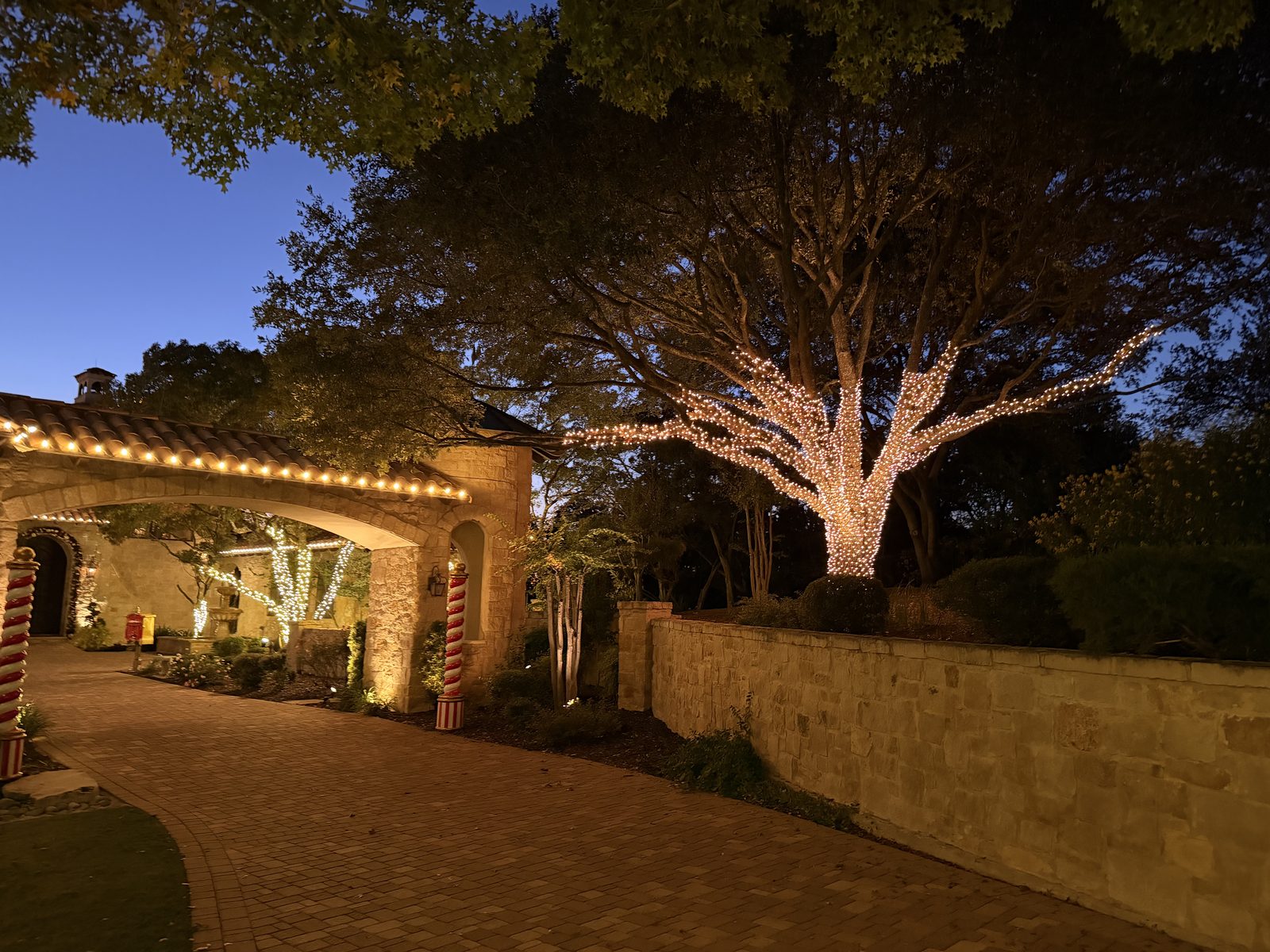
Roof measurements: Google’s 3-D roof data. Rick checks every quote before your install.
Your roofline, measured
We measured every roof edge, including the slope of the peaks. The glowing dots show where your lights go.
Add trees, bushes and more
Tap a button to add it to your photo, then drag it where it goes. Where you put things doesn’t change your price; it shows our install crew where they go. Backyard trees and anything out of view go in the counts below.
Running estimate:
Your estimate
Reserve your install date
Dates fill up as December gets closer. Hold yours with a $100 deposit, credited to your total. Rick checks your measurements and texts the exact price.
If the confirmed price doesn’t work for you, email contact@sapienlighting.com within 24 hours of getting it for a full refund.
Rather talk it through?
Pick a time for a free 15-minute call about your lights.