


Christmas Lights Flickering: Causes and Fixes
Christmas lights flicker for a short list of reasons, and most of them aren’t faults. A twinkle mode, a flasher bulb, a cheap LED driver or your phone’s camera account for a lot of “flickering” that needs no repair at all. The ones that do need attention are a loose bulb, a dimmer the lights don’t support, water in a connection, a dusk sensor fooled by your own display, or a worn plug or outlet.
You can usually tell which in a few minutes, without touching anything, by answering three questions in order. Work through them before you buy a single replacement string.
Three questions that narrow it down
1. Can you see it with your own eyes, or only on video? Only on video: skip to the camera section. Nothing is wrong with the lights.
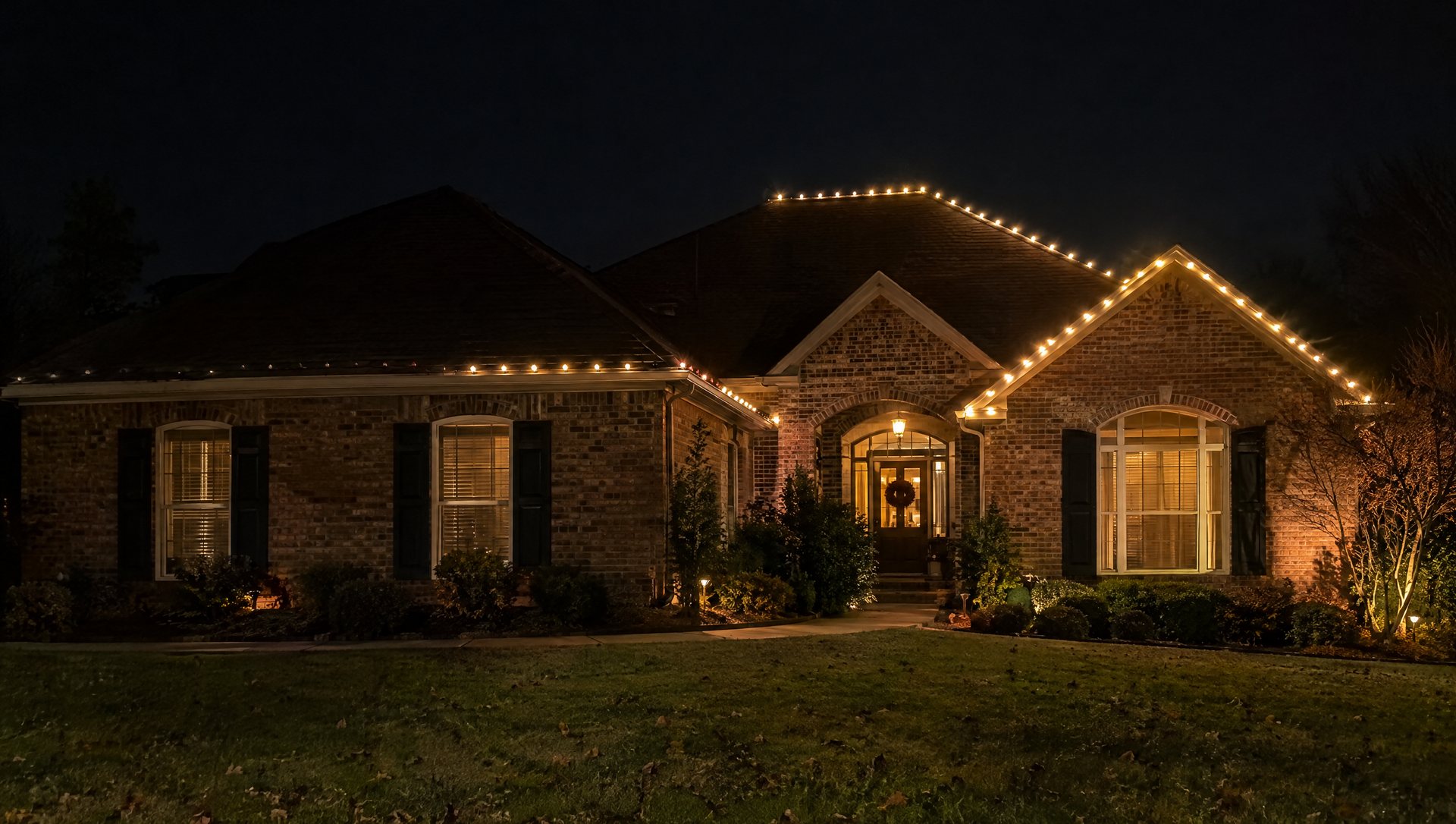
2. Is it one bulb, one section, one string, or everything on the circuit? Stand back in the yard and watch for a minute.
- One section of mini lights cutting in and out points to a loose or failing bulb in that section.
- One whole string flickering points to that string’s plug, its controller, or the connection feeding it.
- Several strings flickering together point to what they share: the timer, an extension cord, an outdoor outlet, or a connection sitting somewhere wet.
- If the lights inside the house flicker too, or dim when the AC or a space heater kicks on, that isn’t a Christmas light problem at all. Jump to the last cause section.
3. When did it start? This one is underrated. Right after a rain or on the same night every week points to water. Right after you added a dimmer, smart plug or new controller points to the control. Only around sunset points to a light sensor. Only after you bumped, moved or re-hung the string points to a loose bulb or connection.
If at any point you see sparks, smoke or melting, or smell hot plastic, switch the display off at the timer or switch if you can do it from a dry spot, and leave it off. Don’t touch wet connections while they’re live.
Cause: an effect mode or a flasher bulb
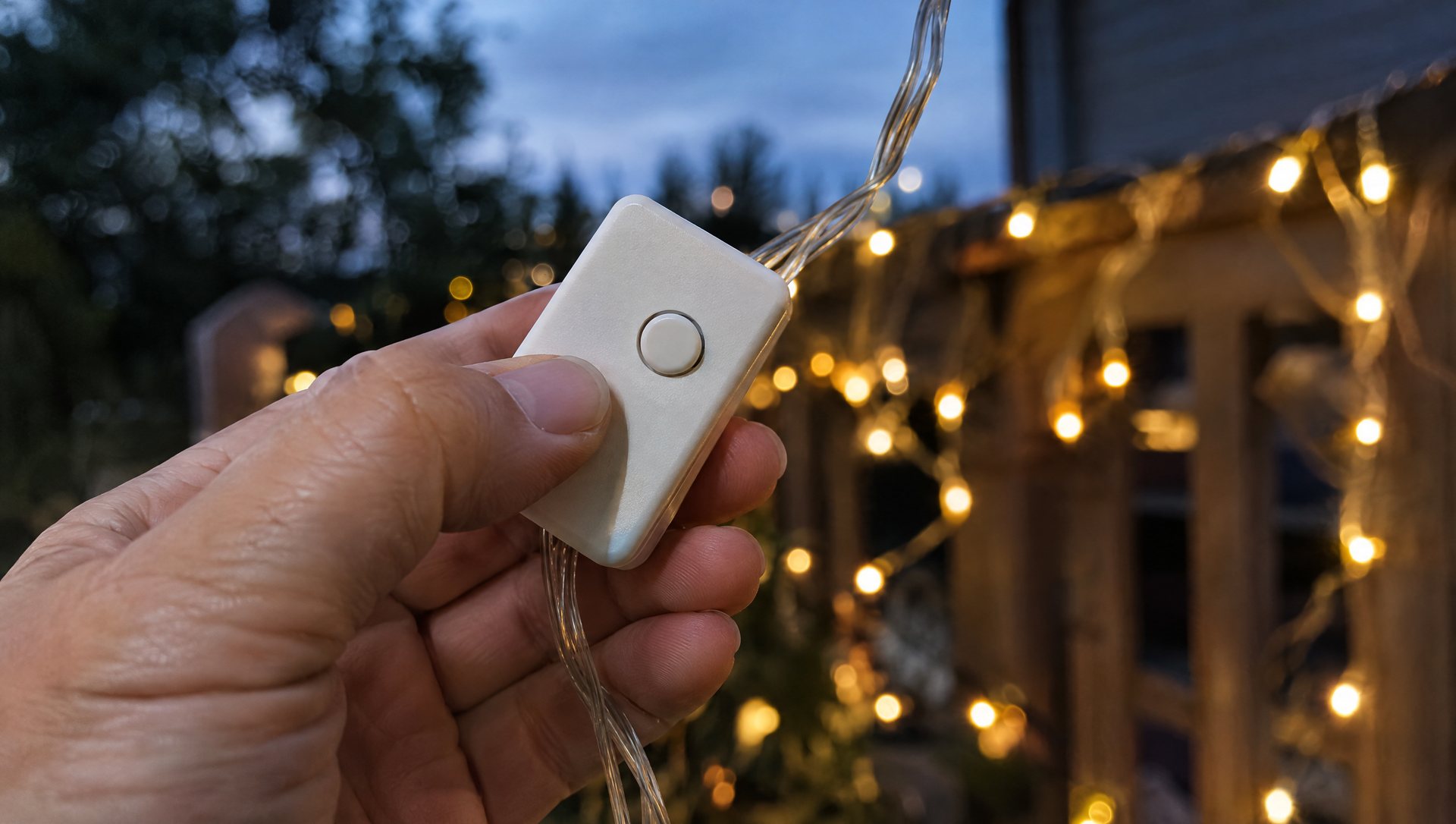
Plenty of LED sets have eight or more modes, and some return to their default mode, often a cycling mix of effects, after the power is cut. That means a power blip, a timer cycle or a tripped GFCI can switch your steady lights to twinkle overnight. Find the controller (usually a small box near the plug), press the button until the lights hold steady, and check whether the set has a memory function. If it doesn’t, every timer cycle will reset it; a set with memory is worth paying for.
On smart lights, look for a scene, music mode or schedule someone else in the house set up in the app.
On older incandescent mini lights, look for a flasher bulb. Some strings ship with one bulb, often with a red tip, that makes its whole section blink on and off as it heats and cools. If you want steady light, swap it for a regular bulb of the same voltage. If a section is blinking and you didn’t plan it, someone may have put the flasher in by accident while replacing bulbs.
Cause: it only flickers on video
LEDs on household power pulse faster than your eye can follow, and a phone camera’s shutter can catch that pulsing as stripes, rolling bands or a strobing effect. If the display looks steady when you’re standing in the yard, the lights are fine.
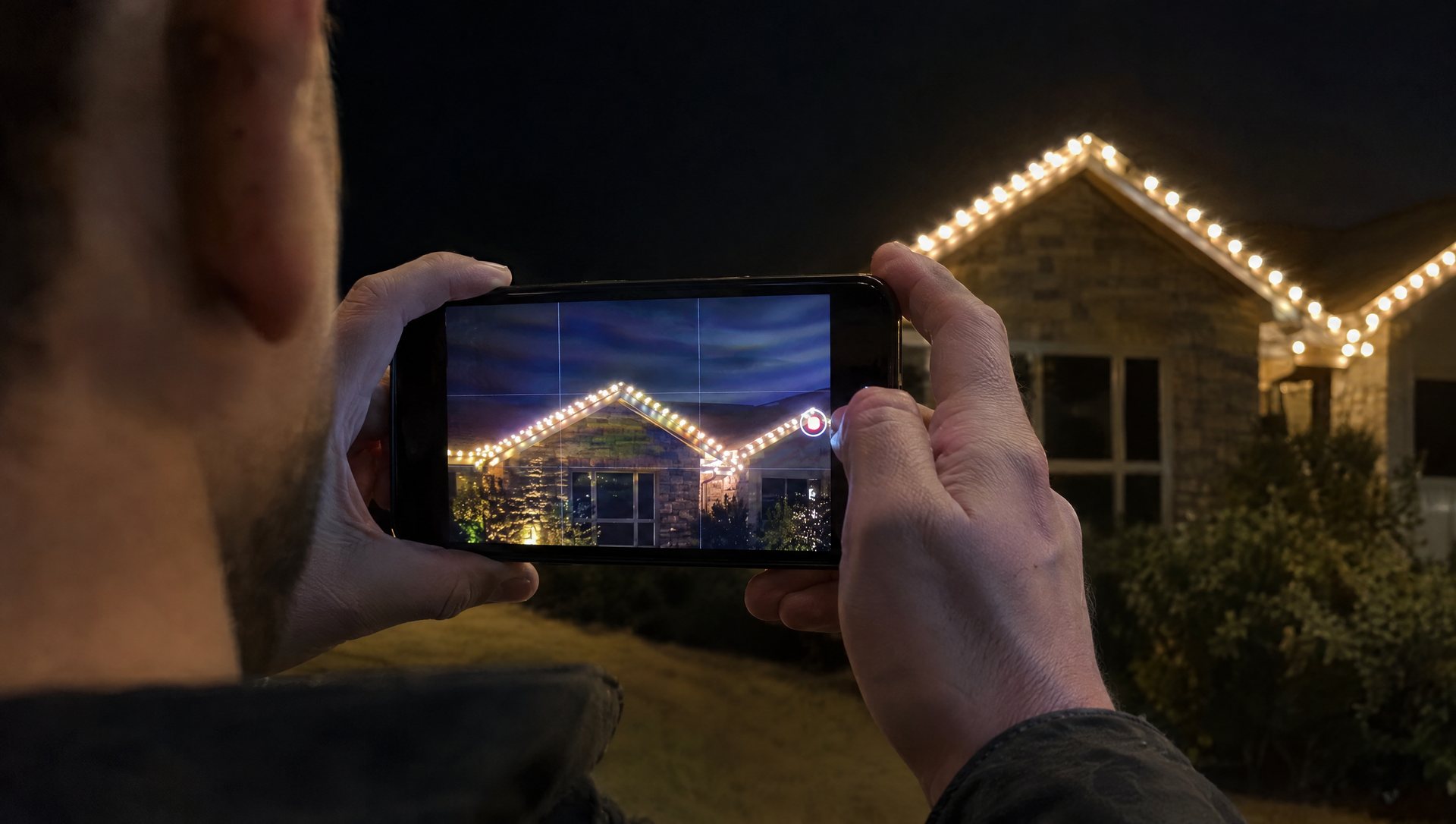
To get a cleaner video, tap and hold on the lights to lock exposure, try a different frame rate (30 instead of 60, or the reverse), or switch to photo mode for still shots. Some sets that look fine on one phone strobe on another, because different cameras use different shutter speeds.
Cause: cheap LED strings that pulse by design
LEDs run on direct current, so every LED string on a wall outlet has some way of converting the alternating current that comes out of the wall. The cheapest strings use the simplest possible approach, which only lets current through on half of each AC cycle. On U.S. power at 60 cycles a second, those LEDs are actually switching fully on and off 60 times a second.
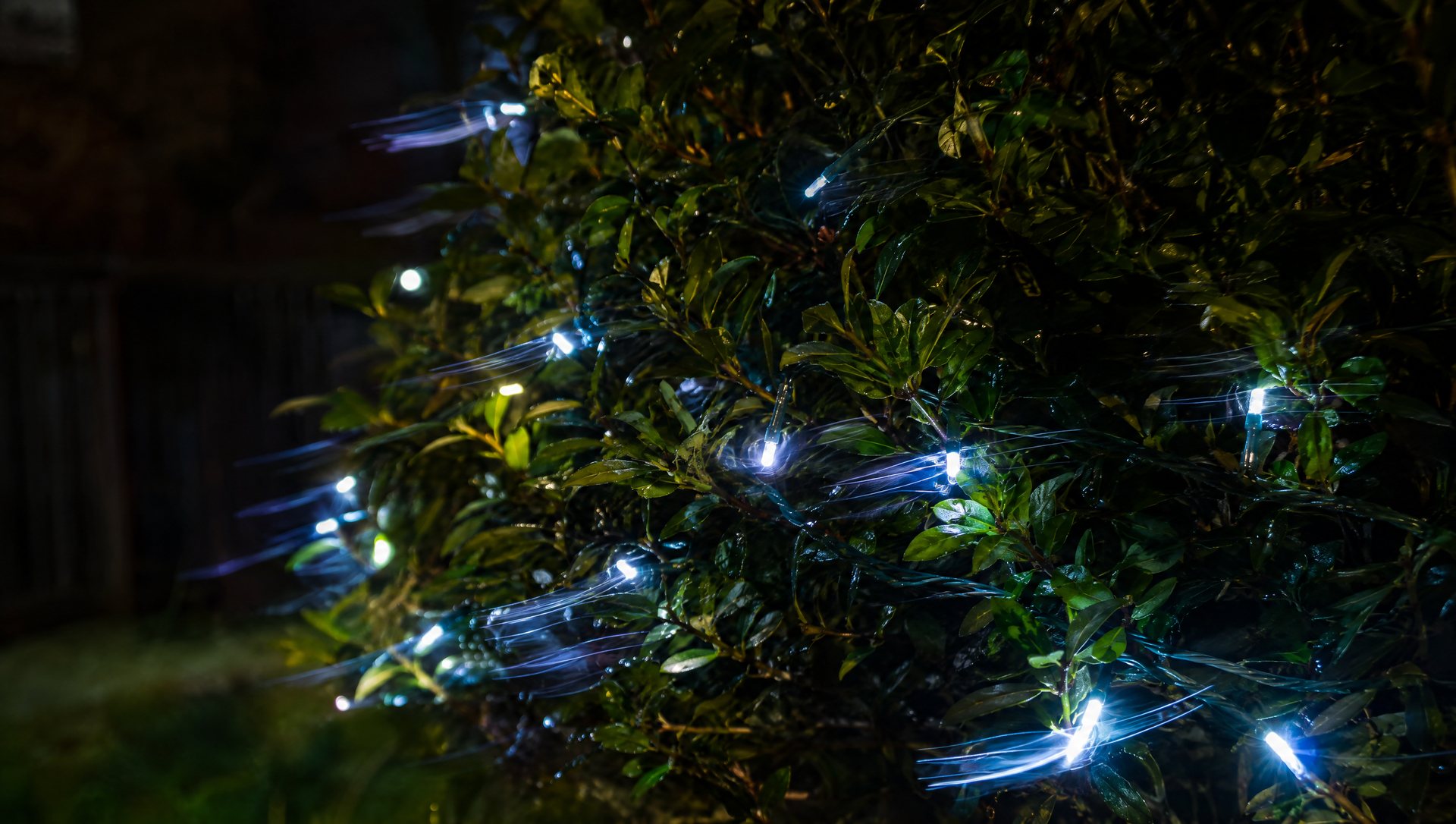
Most people don’t notice looking straight at them. You notice it in your peripheral vision, when you glance across the display, or when you turn your head quickly; the lights seem to shimmer or leave a dotted trail. Better strings convert both halves of the cycle, which doubles the pulse rate to 120 times a second, or smooth the power entirely, and the shimmer goes away.
That isn’t a fault you can repair. It’s how the set was made. If it bothers you, replace those strings with sets that describe themselves as full-wave or flicker-free, and don’t mix the two kinds side by side, because the difference is most obvious when they’re next to each other. Our LED vs incandescent Christmas lights guide covers other quality differences between strings.
Cause: one section of incandescent minis cutting in and out
On incandescent mini lights, each section of about 50 bulbs is wired in series, so one bulb with poor contact can make the whole section flicker. A bump, wind, or the string warming up and expanding can all make that bad contact come and go, which is why the flicker often seems random.
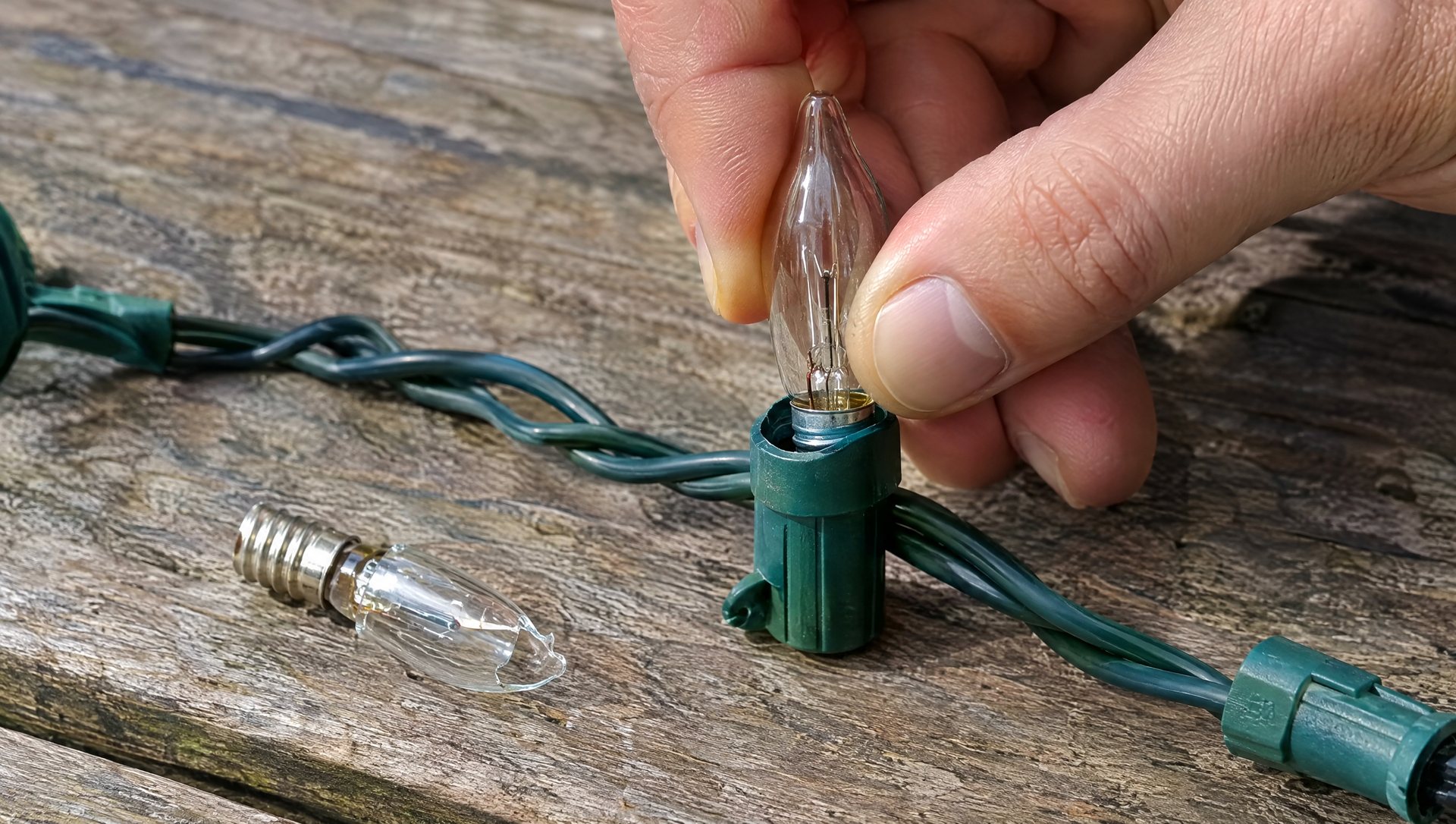
Unplug the string. Push each bulb in that section firmly into its socket and look for a bulb that’s cracked, has bent wire leads, or sits crooked. Replace damaged bulbs with the exact bulb on the tag; mini bulbs come in different voltages that look identical. Don’t wiggle bulbs while the string is plugged in. If reseating doesn’t fix it, our Christmas light tester guide covers finding the bad bulb.
On a sealed LED string, a flickering section usually means a cracked solder joint or a failing LED inside the string. That isn’t realistically fixable. Replace the string.
Cause: dimmers, smart plugs and controllers
Most Christmas light strings aren’t dimmable, and a dimmer is one of the fastest ways to make LEDs flicker or buzz. The dimmer chops up the power in a way the string’s simple electronics can’t handle.
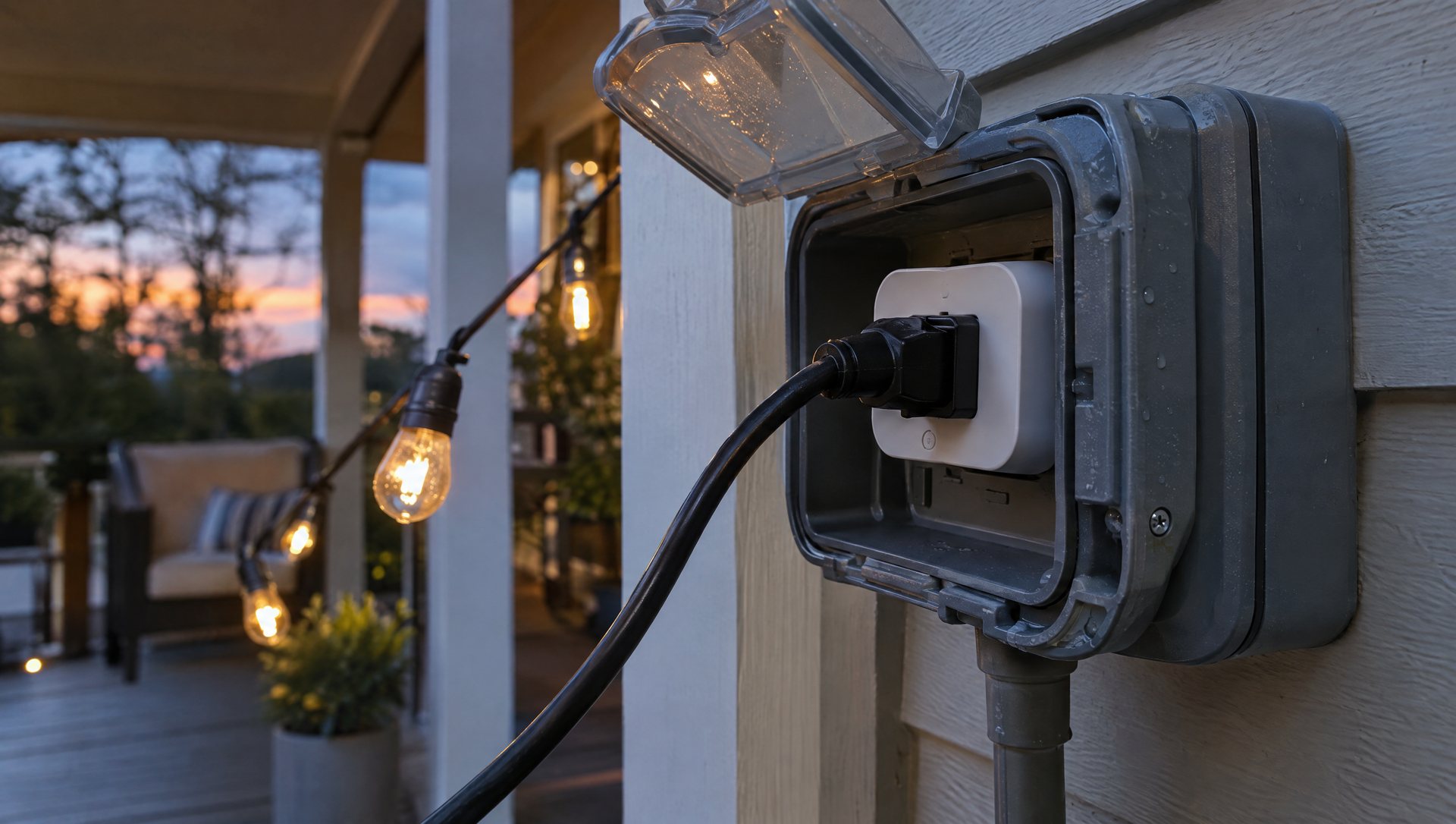
A plain smart plug that only switches power on and off is fine for most strings. A smart plug, wall switch or outdoor timer with a dimming or “fade” function isn’t. If the flicker started when you added one, take it out and see if the flicker stops. Use simple on/off control unless both the lights and the control say they work together. If you want adjustable brightness, use lights built to dim inside the string itself, and check that the maker rates them for outdoor use.
Cause: it flickers after rain, or on sprinkler night
Water is the most common reason we see a display flicker, go dark or trip a GFCI after a storm. The usual spots are a plug connection lying in the grass, a connection in a low corner of a flower bed, and a cord where the lawn sprinklers hit it.
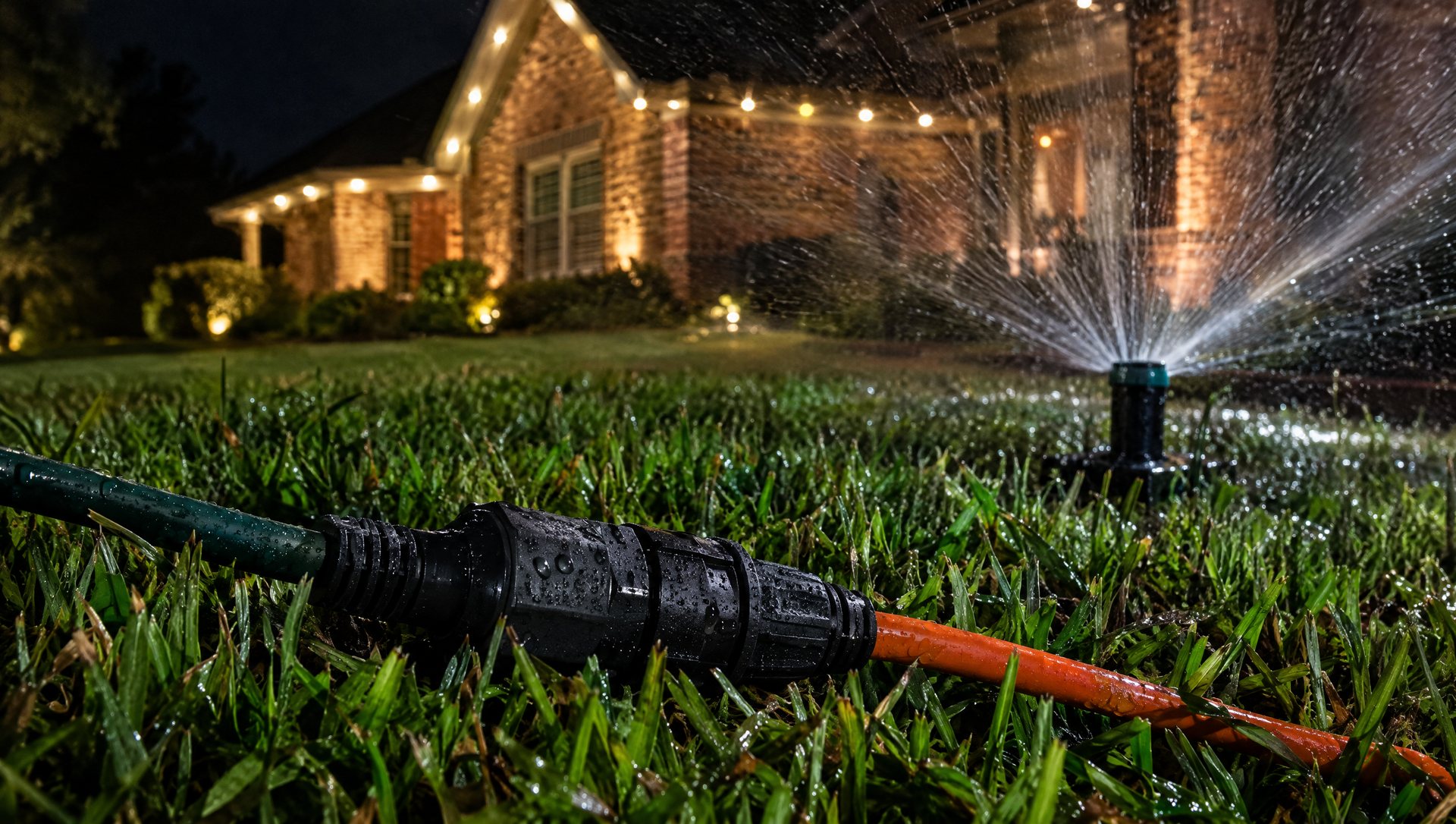
Here’s the Austin-specific clue. Under the Conservation Stage watering rules the city has had in effect since September 2025, automatic sprinkler systems run one day a week, between midnight and 10 a.m. or between 7 p.m. and midnight, on Wednesday for odd-numbered addresses and Thursday for even ones (City of Austin watering schedule). If your display acts up on the same weeknight every week, in the middle of display hours, check the sprinkler zones before you blame the lights.
The fix is mostly about placement:
- Lift every plug-to-plug connection off the ground. A stake, a brick, or a hook on a shrub stem works.
- Point connections down or add a drip loop, a small dip in the cord just before the plug, so water runs off the low point instead of into the connection.
- Use a weatherproof connection cover for any connection that can’t be raised.
- Walk your sprinkler zones once with the system running. Adjust the head or move the connection.
Once wet, switch the display off and let the connections dry before you try again. If the flicker or tripping comes back every time it rains, a plug or socket is probably damaged inside. Replace that string or cord. Drying a damaged connection doesn’t fix it, and tape or a plastic bag around it doesn’t either.
If the GFCI keeps tripping, don’t keep resetting it. It’s doing its job; find the wet connection.
Cause: it flickers at dusk, then settles
A timer with a built-in light sensor can see your own display, decide it’s daytime, switch off, see darkness, switch back on, and keep cycling. If the lights blink on and off every few seconds or minutes right around sunset, that’s almost certainly the cause.
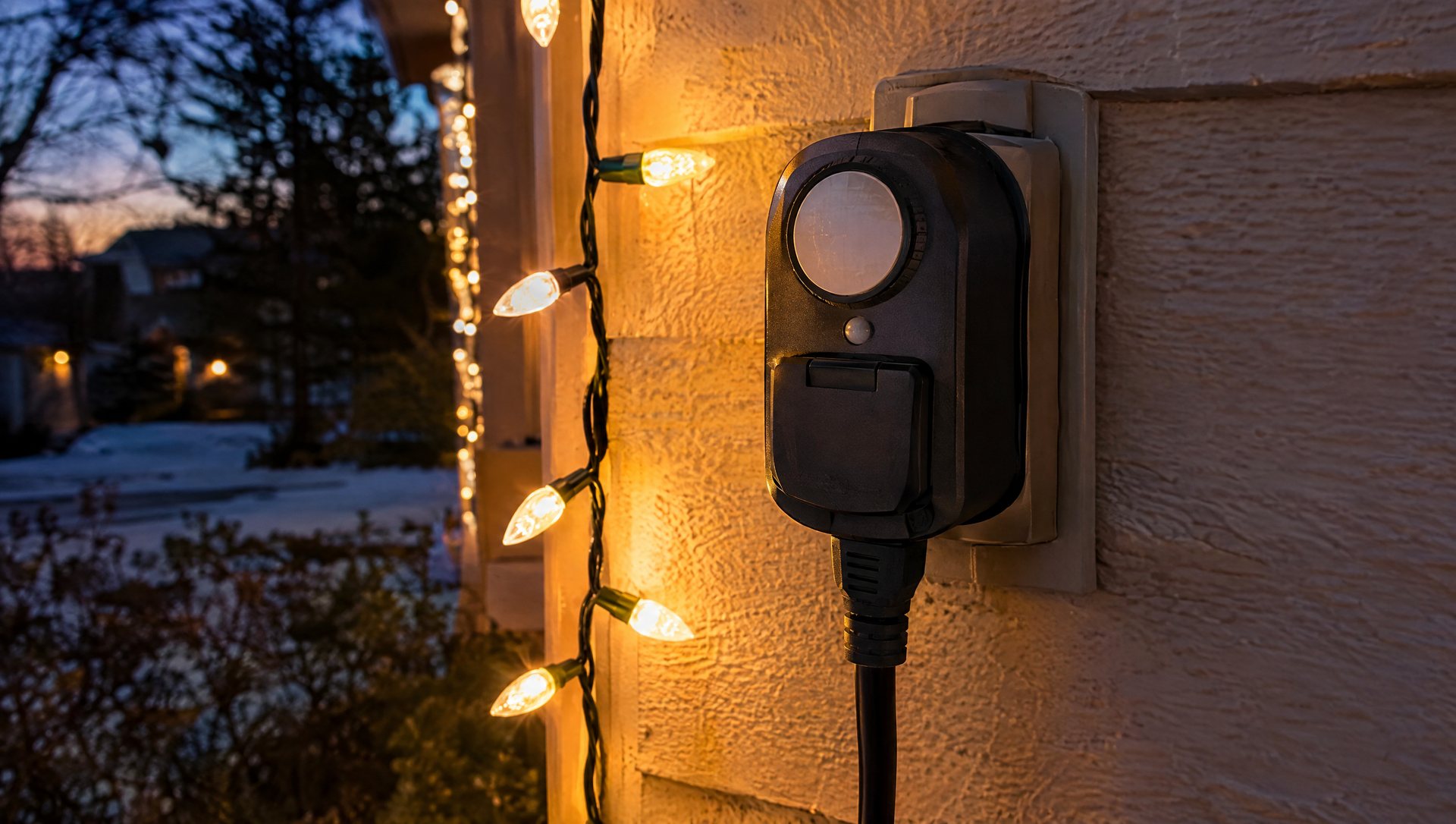
Move the sensor or the timer so your lights don’t shine on it, put a small shield over the sensor, or switch the timer to a fixed clock schedule. In Austin in December, the sun sets around 5:30 p.m., so a clock schedule that starts at 5:45 or 6 p.m. does the same job without the sensor. Our guide to leaving Christmas lights on all night covers sensible off times.
Cause: loose plugs, worn outlets and tired extension cords
An intermittent connection makes lights flicker whenever something moves: the wind, a cord settling, the string expanding. Three places to check, with the display unplugged first:
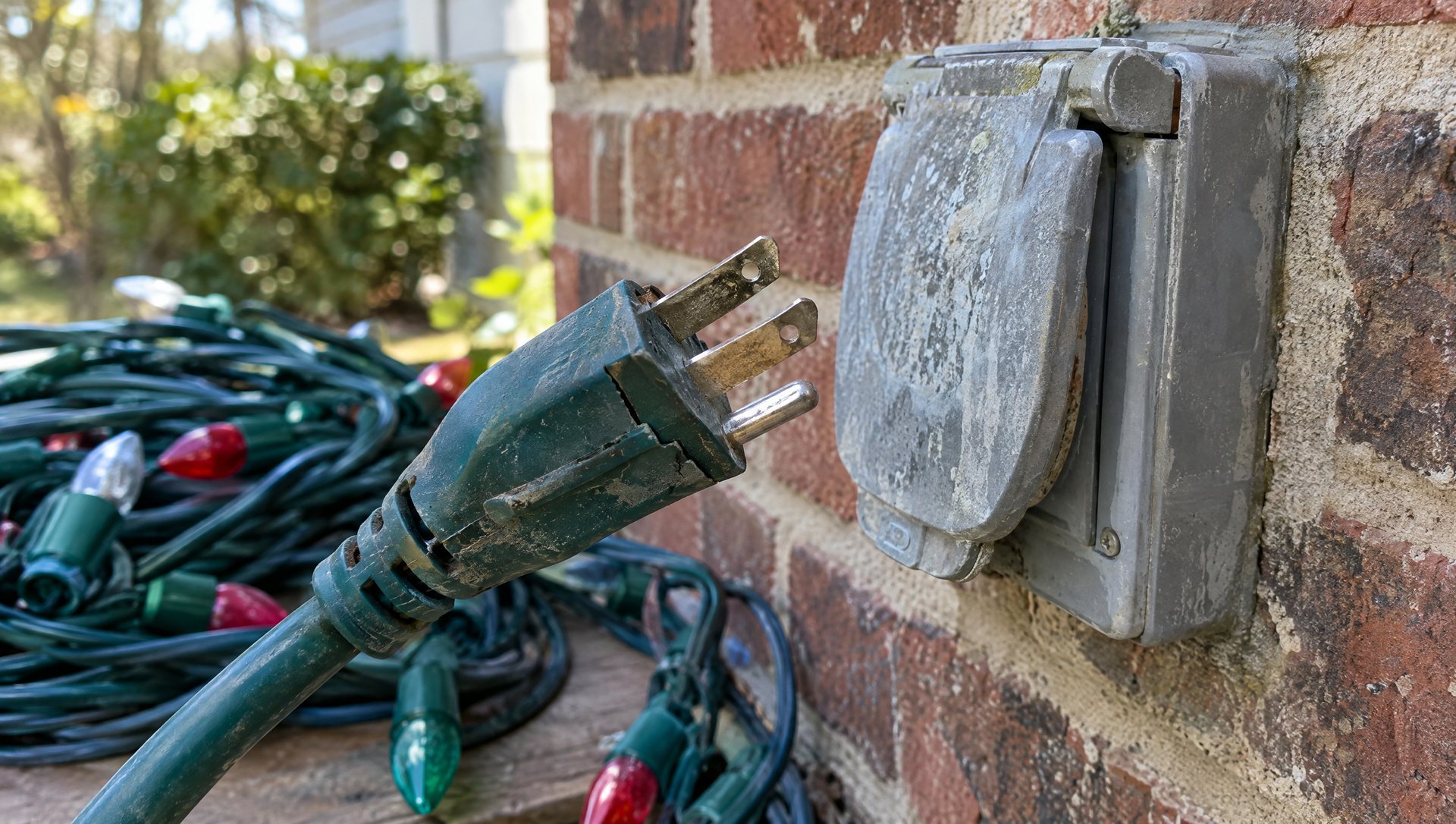
- The outlet. If a plug falls out of an outdoor receptacle or wobbles in it, the receptacle is worn. That’s a job for an electrician, not tape.
- Extension cord ends. Look for spread or bent blades, a cracked housing, or a plug that feels warm after the display has been on for an hour. Warmth at a connection means resistance there, and that’s a cord to replace.
- String-to-string connections. Push each one together fully. A connection half pulled apart by its own weight hanging off a gutter flickers in every gust.
Also check the tag for how many strings can be connected end to end. Going over that limit can overload the first string’s wiring and blow its fuse; see our Christmas light fuse guide if a string has gone dark after flickering.
Flickering on a pre-lit tree
Pre-lit artificial trees have their own short list, and it’s mostly mechanical.
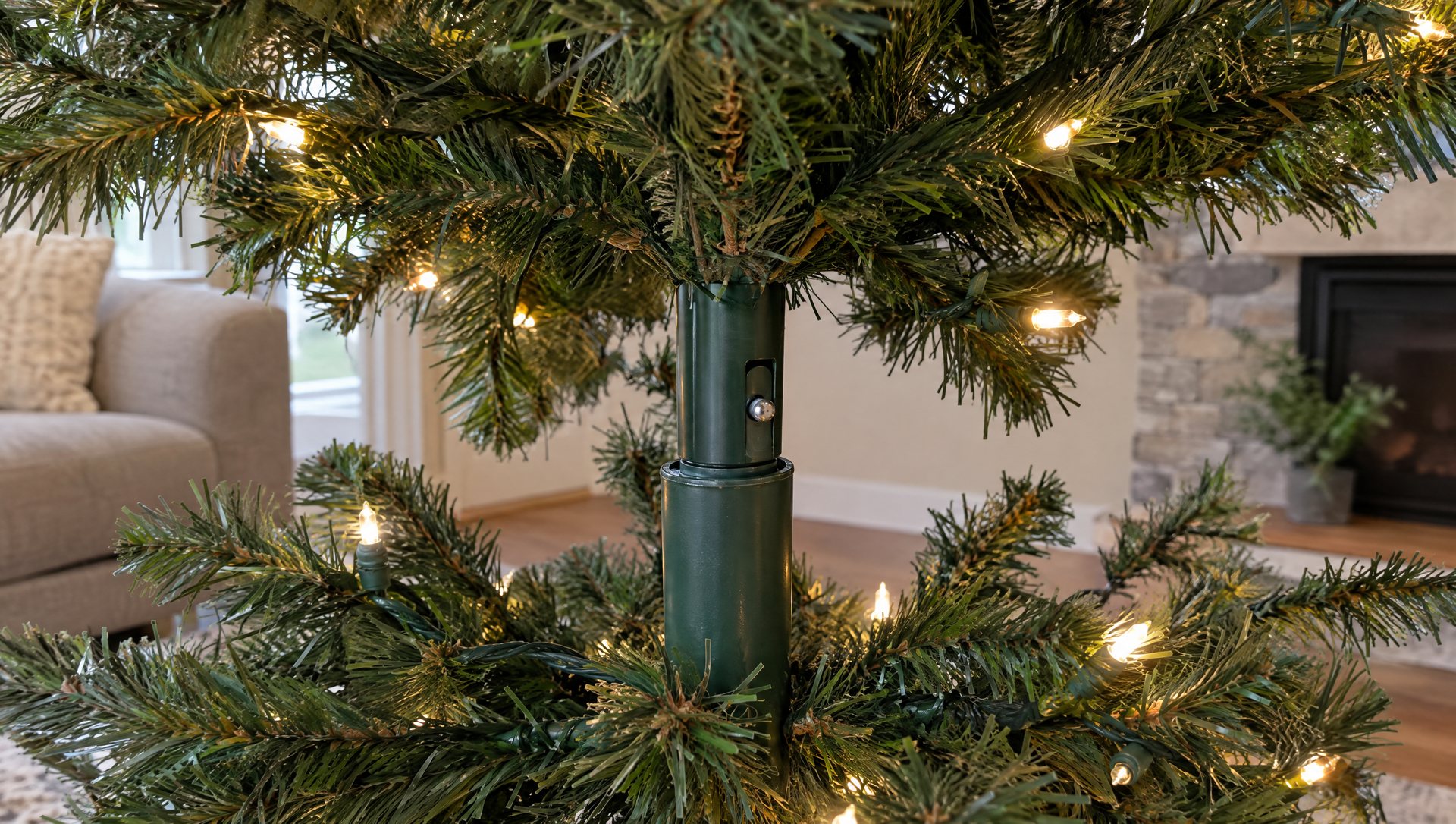
A section not fully seated. Most pre-lit trees carry power up the trunk through connectors where the pole sections join. If a section isn’t pushed all the way down, or sits slightly crooked, the lights in that section and everything above it can flicker or cut out, especially when someone brushes the tree. Unplug it, lift the upper section, and reseat it firmly and straight. That alone fixes a lot of “my tree flickers” calls.
Branch plugs between sections. Some trees connect each section with short plug-in leads instead of trunk connectors. Check that each one is pushed fully together and not hanging by its own weight.
The adapter. Many LED pre-lit trees run at low voltage through a plug-in adapter. If the whole tree flickers or goes dim, try the adapter in a different outlet, and check that it isn’t buried under a tree skirt where it can overheat. Replace it only with the adapter the manufacturer specifies; a mismatched one can damage the lights.
Incandescent pre-lit trees behave like any incandescent mini string: one loose bulb can make its whole section flicker, and the bulb-by-bulb steps above apply. Low-voltage pre-lit trees are on the exclusion list of most handheld light testers, so for those, start with the connections and the adapter.
When the house lights flicker too
If lamps inside the house flicker along with the display, or the whole house dims when the AC compressor or a space heater starts, the problem is upstream of the Christmas lights: a loose connection in the house wiring, an overloaded circuit, or a utility supply issue.
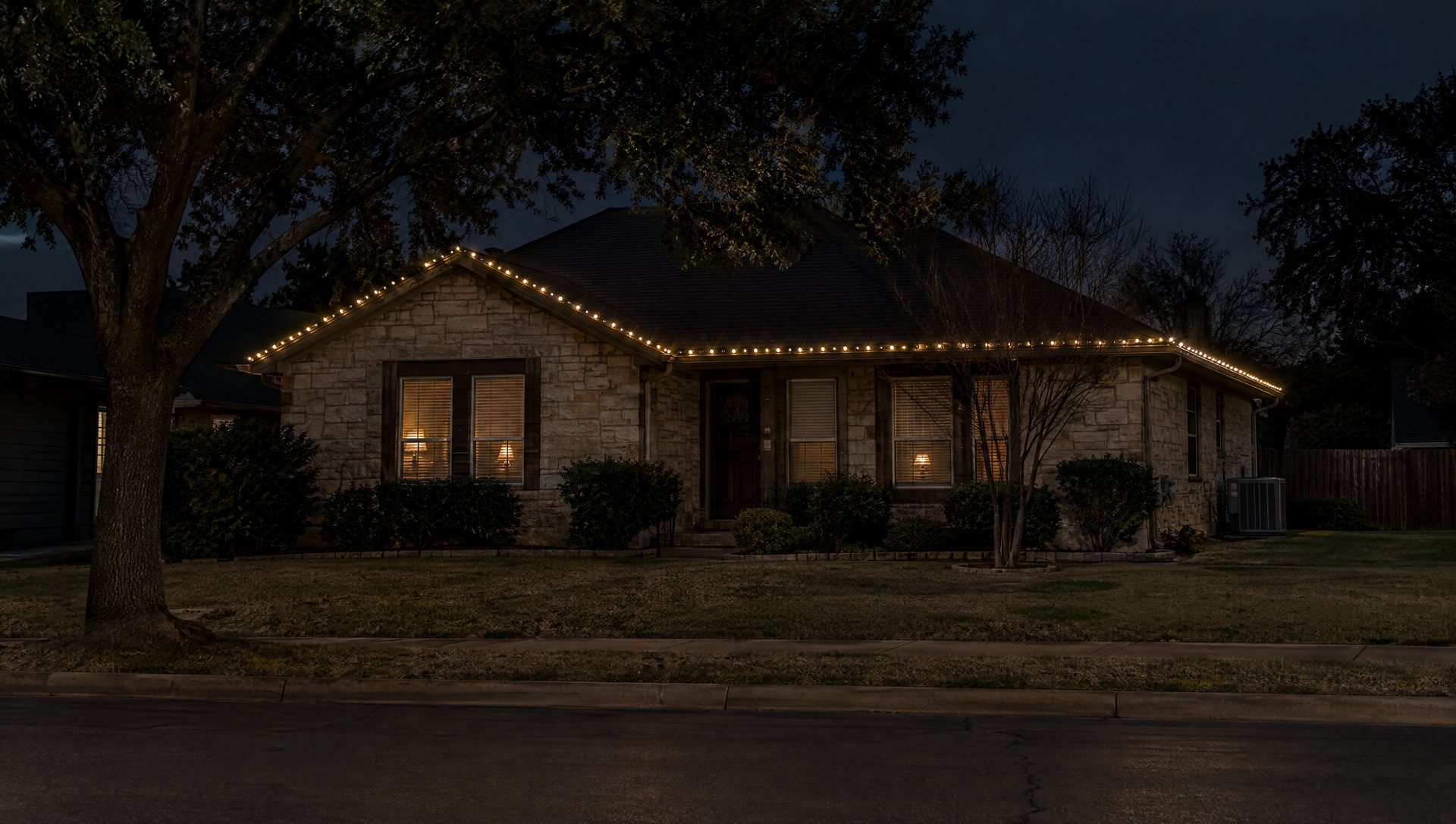
Stop adding load and don’t open panels or outlets yourself. A loose connection inside a wall or panel is a fire risk and needs a licensed electrician. If neighbors’ lights are doing it too, or you’ve lost power partly or fully, report it to Austin Energy at 512-322-9100 or through its outage reporting page.
Fix one thing at a time
Set the lights to steady first, then check the camera, then reseat bulbs, then remove any dimmer, then look at connections and water. Change one thing, watch the result for a few minutes, and only then move on. Changing three things at once tells you nothing about which one mattered.
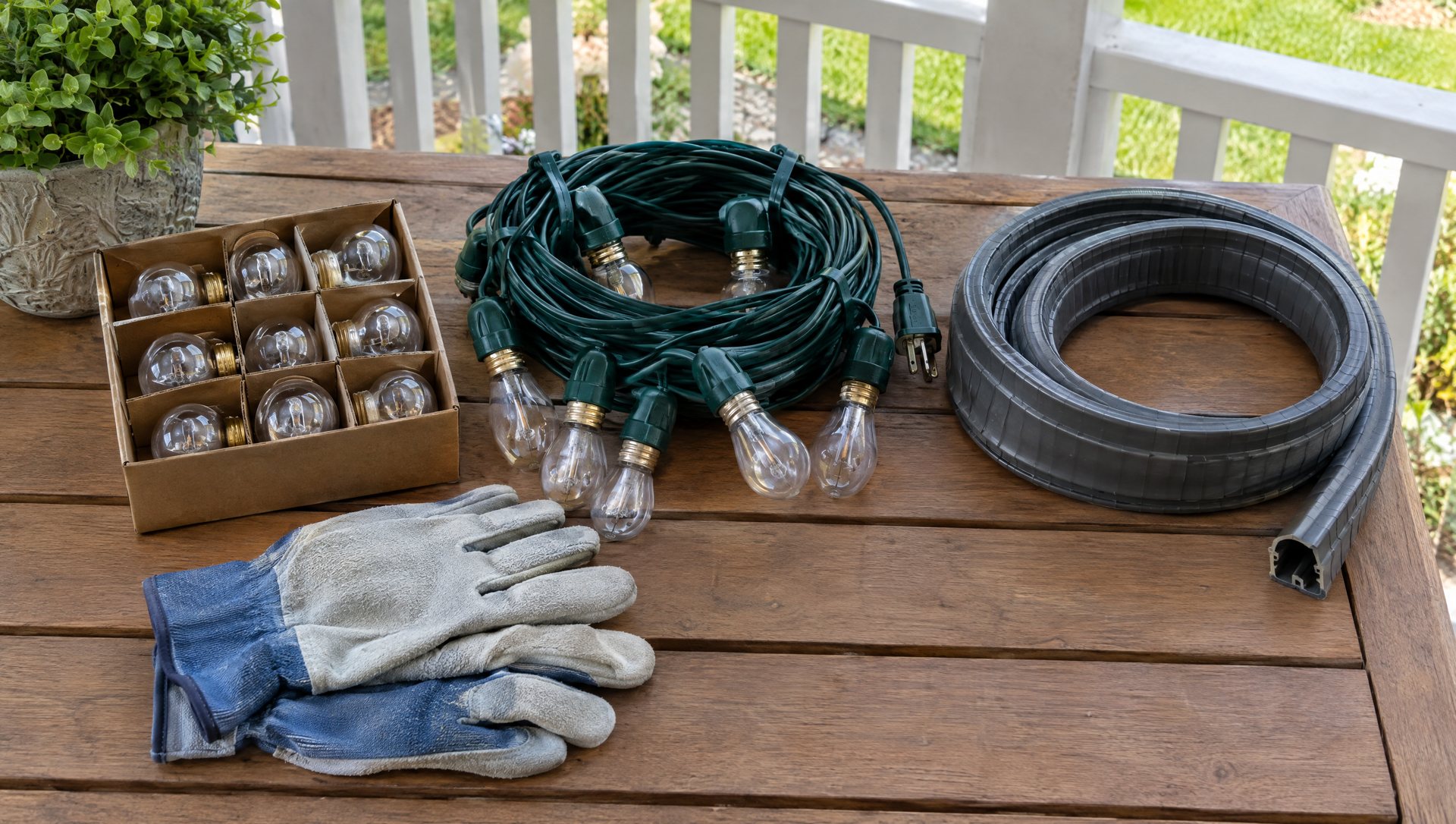
Stop when the next step means opening a sealed adapter, splicing wire, going up on the roof, or working on household wiring. Our light installation safety guide covers ladder safety in more detail.
If the flickering lights are part of a display we installed through our Austin Christmas light installation service, we would rather fix it than have you on a ladder. Text a short video showing the whole affected area to (737) 777-9099 or use the contact page, and tell us whether it started after rain or a change to the timer.
Sources
About the author. Rick Safeman owns Sapien Lighting & Installation in Austin, Texas.